
Let's make our own country!
Learning Outcomes
Learning intention: how to use computational thinking to create digital outcomes.
- To research into a given brief and context.
- To consider the attributes needed to make an outcome successful.
- To plan using designs and algorithms.
- To practice python programming techniques.
Design thinking process
 Kōrero Mai
What is design thinking?
Design thinking is a human-centered approach to innovation and product design.
It encourages designers to focus on the people they’re creating for, which leads to better products and systems.
As designers, we can follow a design process to create and develop technological outcomes.
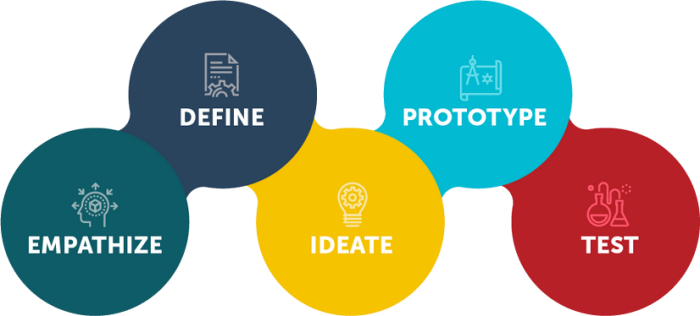
Introduction to mini project
Today you are going to use the design thinking process to develop a technological outcome for a need.
You are going to use the skills and techniques that you have developed in computational thinking:
- Algorithms
- Sequential instructions
- Research
- Planning
- Decomposition
- Debugging
- Programming
Introduction to design brief and context
Design Brief:
To design and make an educational online game to teach other students about countries of the world through the use of computational thinking.
Attributes:
The educational game must:
- Be created in Python using the techniques you have developed,
- Link to one chosen country,
- Teach students about the country, for example places, people, geological features.
Kōrero Mai
Discuss the brief and attributes as a class
Can you think of anything else the game could/should do?
Add your ideas to the design brief and attributes.
Research
It’s your turn to research into a chosen country.
Choose a country to research. It could be:
- a different New Zealand Island,
- a country that is important to you in some way,
- a country that links your your whānau and/or your cultural identity, or
- a country that you want to learn more about.
Find out as much as you can about this country - including the shape of the land!
Design
Once you know about your chosen country, you need to plot it out on a blank 15 x 15 grid.
This is just like you did with the New Zealand Island.
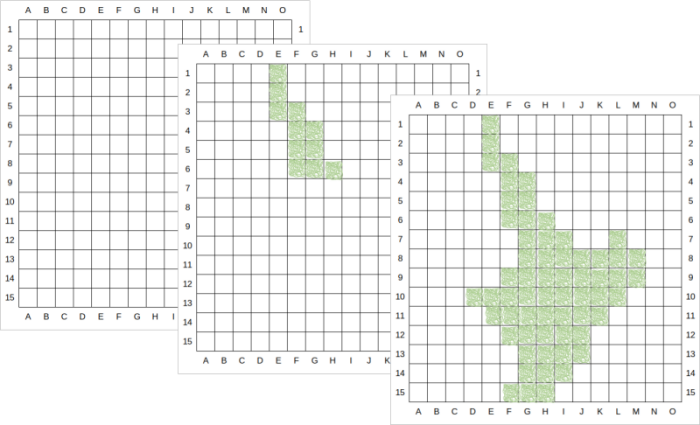
Remember to write down the grid references for each land square, as you did in the decomposition lesson.
Let’s create a new program!
 Go back to https://replit.com, and log in.
 Press the menu icon:
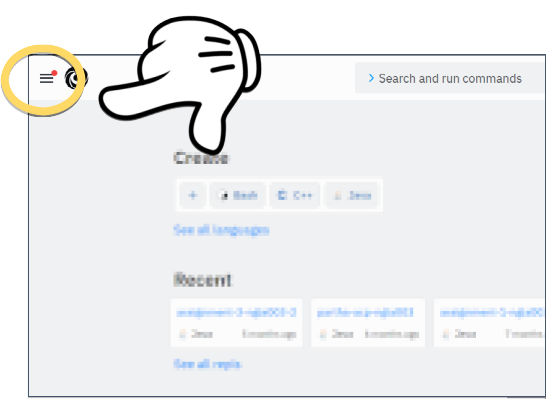
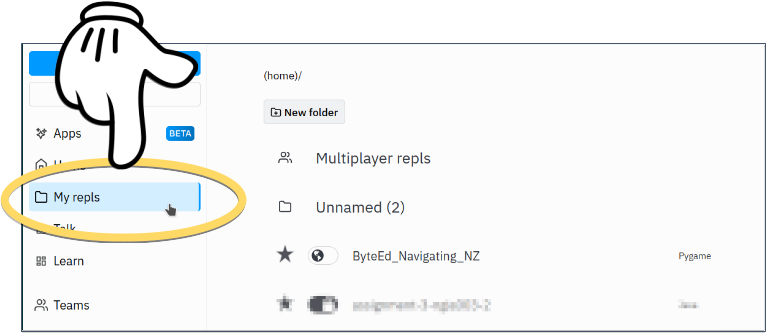
 Select My repls:
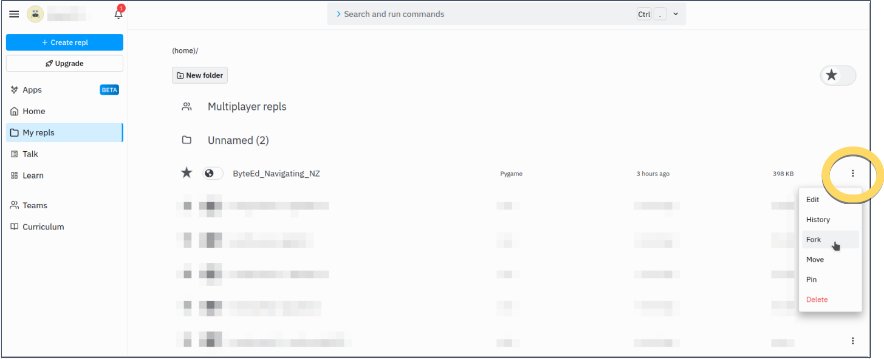
 Press the
  menu for your previous project:
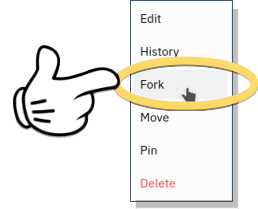
 Select the Fork option:
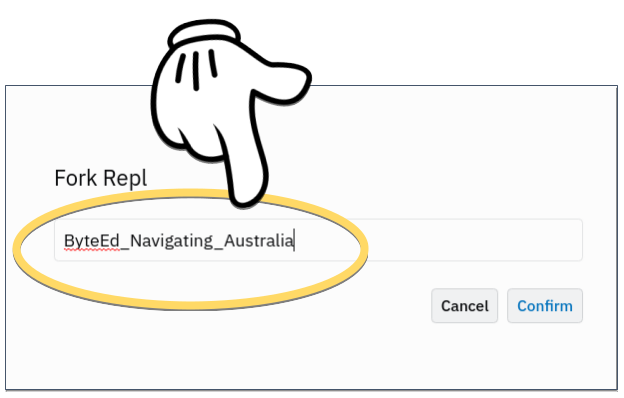
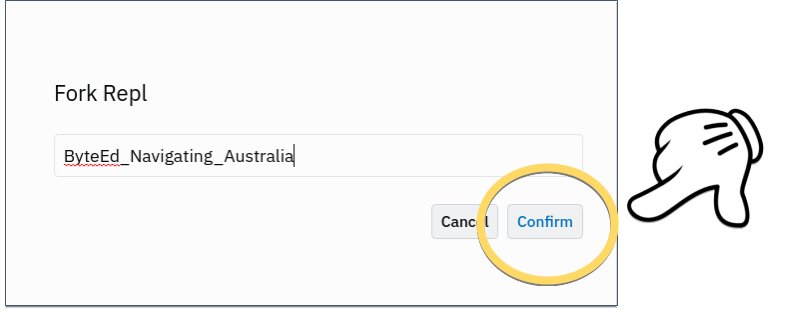
 Provide a different name for your new project, based on the new island/city/country you have researched:
Then select Confirm:
 What did we just do?
What were all the above steps about? Great question!
Rather than starting from a completely blank project, we have created a “fork” of the previous project.
You can think of a “fork” as being the same as a “clone”.
When we created this new clone, we renamed it to something else.
This way, we have the old project (about your first NZ island), and now we have a new project that will be about your new research island/city/country.
We can tweak the clone by selectively removing some parts of it, and continuing with the new project.
If you followed the steps correctly, your old project remains unaffected.
For the new project that you have just created, we need to remove code that isn’t relevant to your new island/city/country.
Carefully select the code you wrote before, and delete it.
This only includes code in the section highlighted below:
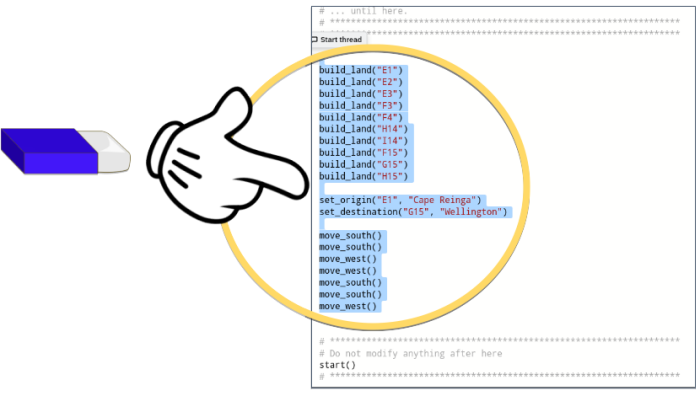
This includes:
build_land()set_origin()set_destination()move_north()move_south()move_west()move_east()
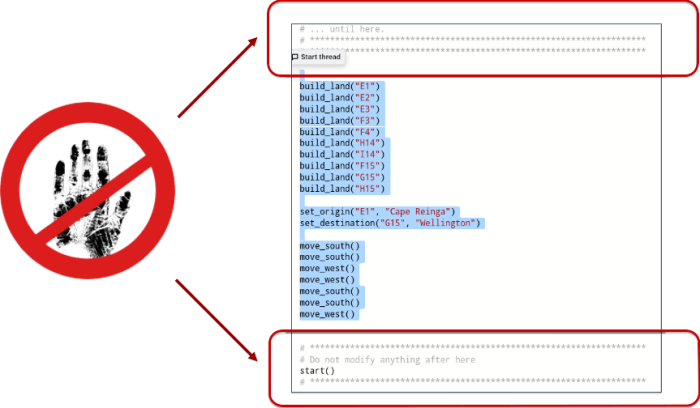
 But don’t delete everything!
Be careful not to modify the before-and-after code in the following sections, as ByteEd needs them:
Let’s get programming!
Repeat the steps that we followed before, but this time for the new island/city/country:
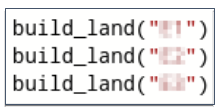
- Build the new land:
- Set the new origin:

- Set the new destination:

- Move ByteEd!
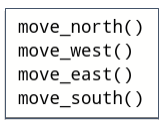
- And finally, Test and Trial until ByteEd makes it safely to the new destination!
 Kua mutu? Finished?
Explore your chosen country further.
Where are geological features on your island? For example:
- Lakes,
- Key rivers,
- Mountain ranges,
- Glaciers,
- Geysers,
- Volcanoes, etc.
Are there any key landmarks?
Add them to your grid map - you will need these later!