
Data representation: images
Learning Outcomes
Learning intention: how to create pixel characters (sprites) for digital outcomes.
- To understand images can be made from pixels.
- To understand pixels hold data.
- To understand data representation - digits (numbers).
- To design for a context.
 Pixel - tongi
Data - raraunga
Data representation
 Kōrero Mai
Instead of ByteEd, who would you like to explore your country?
Did you know that images that can move across a screen are called Sprites?
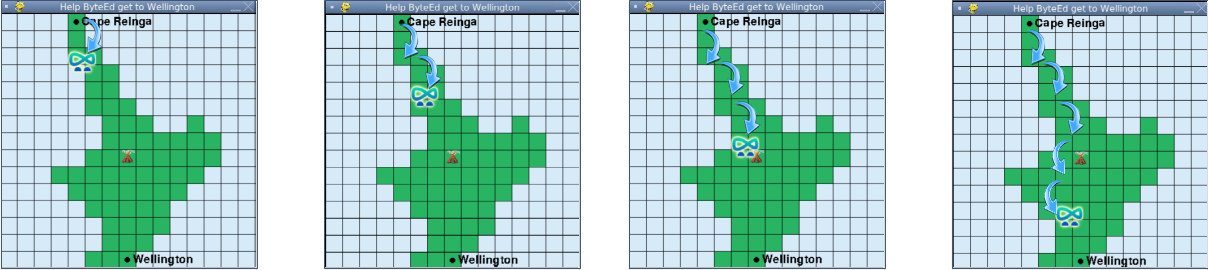
In your Python program, you have ByteEd moving across the screen.
ByteEd is a type of sprite.

Do you know any other sprites on digital devices that can move across the screen?
Kōrero Mai
How are sprites created on a computer?
Many sprites are created from pixels (picture elements).
Look at the example of ByteEd,
What happens when you zoom in closer to the picture?

What do you think a pixel is?
 Pixels and resolution!
What is a pixel?
What happens when you have more pixels?
What is resolution of the computer or TV screen?
How do computers store images?
Did you know that computers can only store digits (numbers)?
But, hang on…
If computers can only store digits, then how can it store the pixels in an image if pixels are squares?!?!?
Kōrero Mai
How do computers store images?
What do you think?
How do computers store pixels?
Look what happens if we zoom in some more…
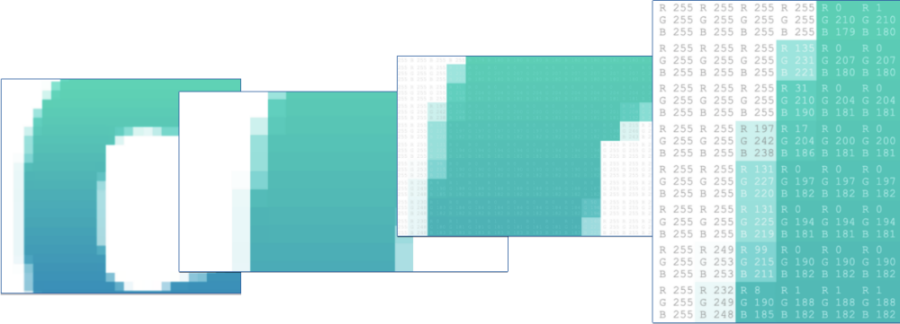
Can you see the numbers in each pixel?
Each pixel colour has different digits.
What are those numbers?
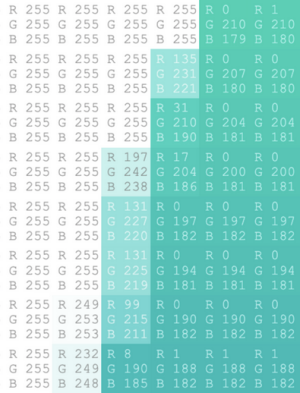
What are the digits for the white squares?
What are the digits for the darkest turquoise pixel?
Why are there 3 numbers in each pixel? What does R, G, B mean?
Now it’s your turn!
Head to the Computer Science Fieldguide Pixel viewer interactive:
https://csfieldguide.org.nz/en/interactives/pixel-viewer
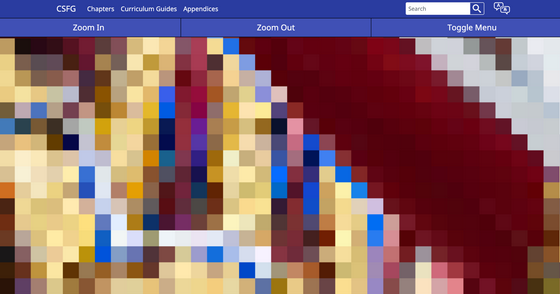
Explore different images in the pixel viewer.
Zoom in and out.
See if you can figure out what R, G & B means!
Handy Hint: If you click on the Toggle Menu, you can upload your own image!
R, G, B
So when you look closely at the pictures, you can see that pixels are made up of numerical data.
By now you would have probably figured that R, G, B stands for:
-
RED
-
GREEN
-
BLUE
R,G,B is the colour mixer used for computer screens.
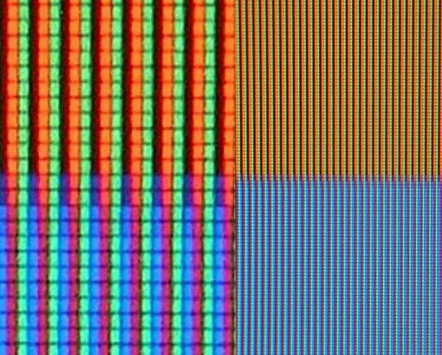
The photograph above shows the RGB pixels on a LCD TV screen (the left side is a close up!).
 Want to explore more?
If you want to explore RGB more, then try out this interactive by CS Fieldguide:
It’s your turn to design a character for your country!
You are going to design a character sprite for your country.
It must be able to move from one location to another (like ByteEd!).
It needs to:
- Fit into a 30 x 30 pixel grid,
- Only use one colour per pixel,
- Link to your country that you have chosen,
- Use research to help to develop the design.
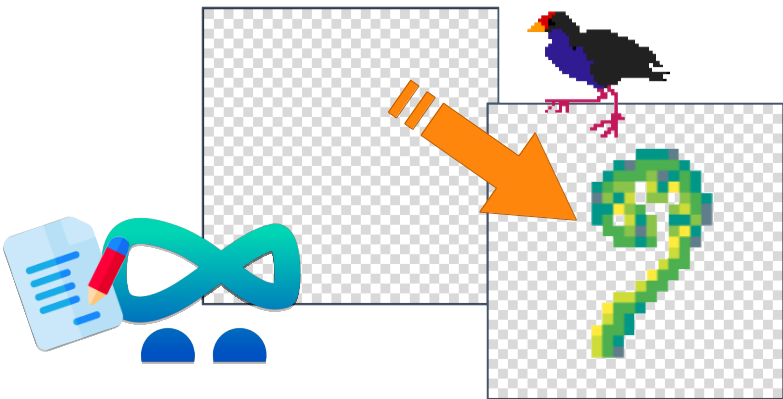
On a 30 x 30 grid, you need to create your character sprite by colouring in each pixel one by one!
Kua mutu? Finished?
Coding a pixel image.
Can you code a pixel sprite?
Look at this example sprite. This grid is a 9 x 9 square:
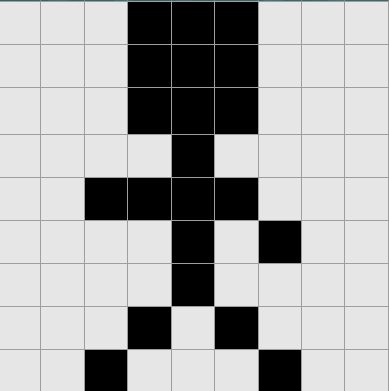
To ‘code’ the sprite, you need to tell someone where the white and black pixels are.
Have a go yourself on the handout!