
Creating an interactive VR App using Unity and C# programming
-

Install Unity / Unity Hub and make sure we have the right modules installed for VR support
-
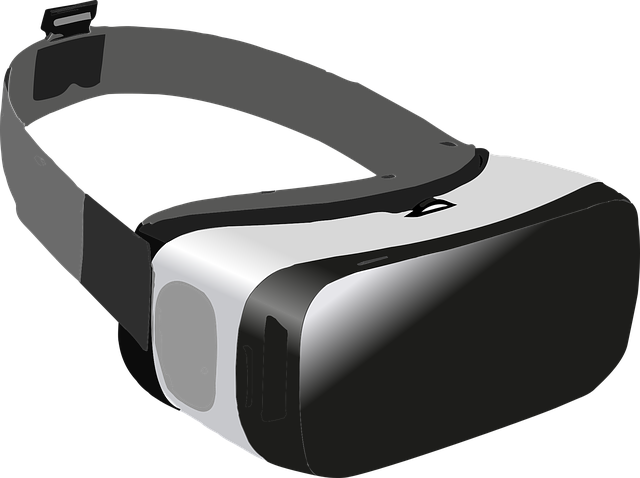
Download and install KatVR support for your VR Experience. This lesson is only needed if you have a KatVR device
-
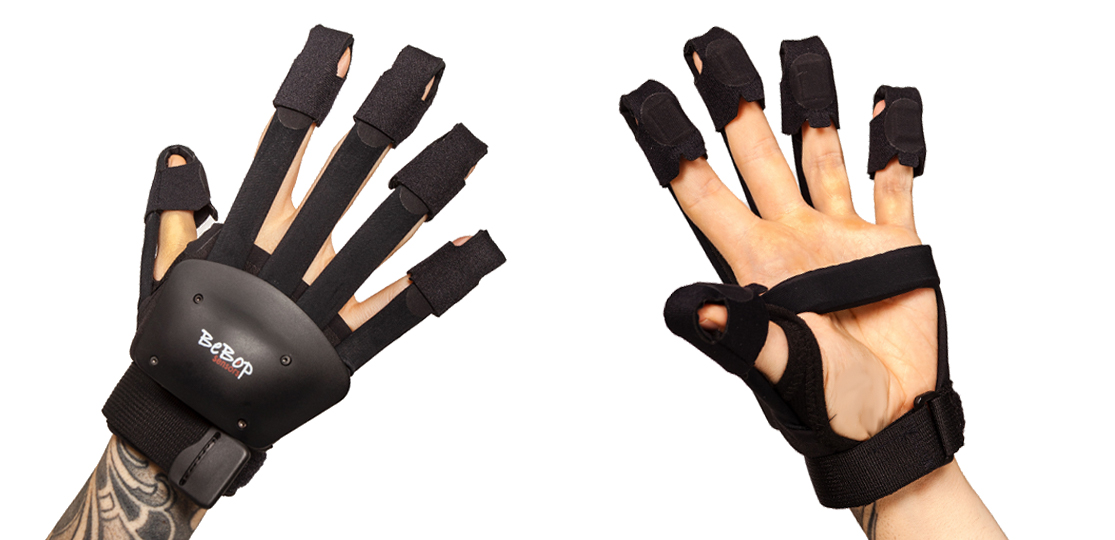
Learn how to create different kinds of object interactions compatible with different VR hardware
-

Decide the theme for your VR Escape room, and learn where to install 3D assets from
-
Recap how socket interactions work and go through the process of creating our own unique socket interaction
-

Learn how to create a simple custom animation using Unity's animator tools.
-
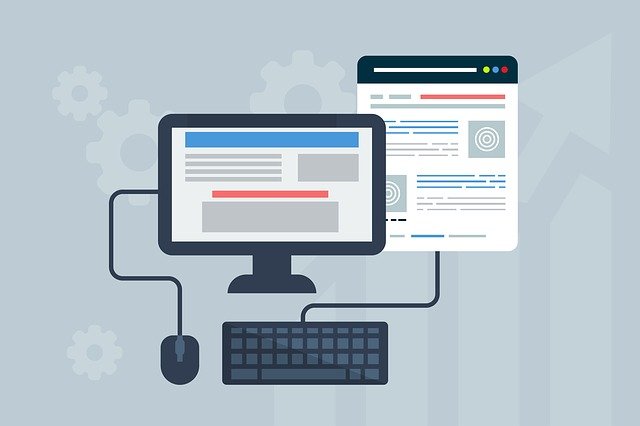
How can events from Poke interations be used to trigger methods and functions of other components.
-

Create the remainder of our Keypad object, and learn how to create a script that can be interacted through poke interactions
-

Create the remainder of our Keypad object, and learn how to create a script that can be interacted through poke interactions
-

Create the remainder of our Keypad object, and learn how to create a script that can be interacted through poke interactions
-
Create a game loop so that the escape room can be restarted or completed from within the game itself
-
Learn how to Export your VR Project to be played on seperate machines, or uploaded to content sharing platforms
-
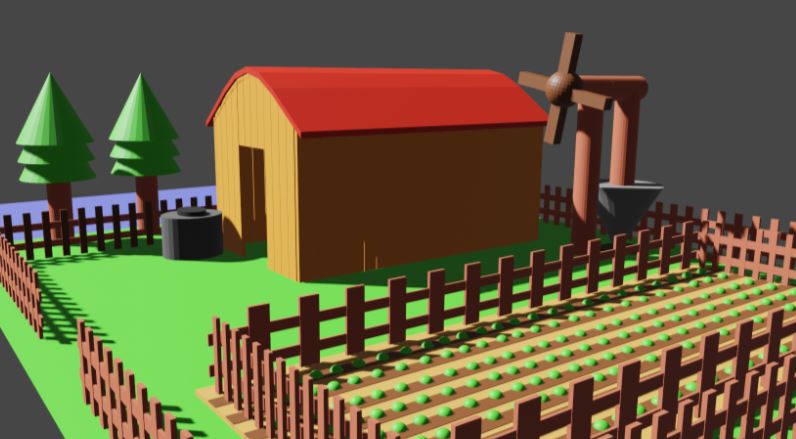
Learn how to export 3D models from Blender, and how to import any type of custom 3D model in Unity.