
Diving deeper into programming for VR content
-
Create a number guessing game that uses a simple A.I. This A.I should take into account the users inputs and get 'smarter' as the game progresses.
-
Create a program that constructs a quiz for users by reading a provided txt file. The questions, answers and subject is up to you to choose.
-
How to design a brief and a quick recap on C# principles
-
Understanding how efficiency works and how we can write it in code
-
How do we detect and identify errors. How do we use more efficient methods in code
-

How do we use Comparisons in programming
-
What is variable scope and how do we work around it? Learning to create a basic VR environment
-
How to determine if something is fit for it's purpose. Learn how computers actually create 'random' numbers
-

Understand Artificial Intelligence (A.I) and where is it used. How does a simple AI work?
-
How does A.I impact us and sociecty. How do create a simple A.I with C# programming
-
The start of our Number Guesser Project. Learn how to break down a brief into it's key attributes.
-
How to refine your brief and better plan out the different stages of your project
-
Evaluate your current progress on your project and decide whether you are still meeting the brief.
-
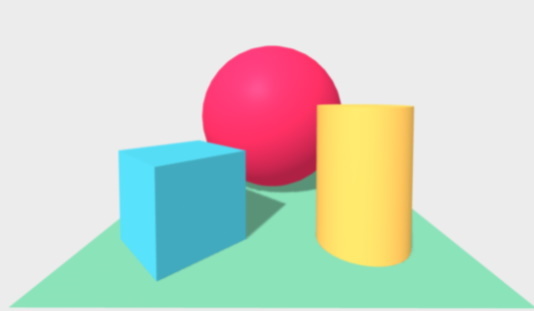
Learn the basics of A-Frame and HTML. Start by constructing your VR world and understand how these systems work.
-

Learn more intermediate knowledge in creating VR content. Understand how to use events to play sound effects and animations.
-
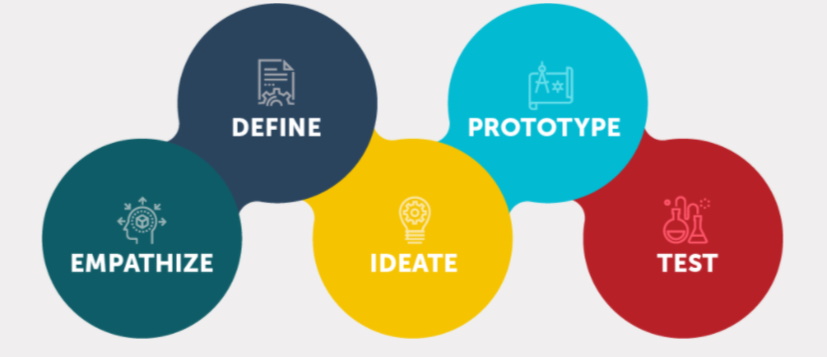
Learn to identify and justify a need from a given context. Understand how to use and create arrays in our c# programs.
-
Research into stakeholders needs and wants. How to read and use data from external files.
-
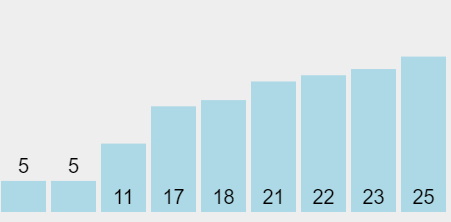
Creating Specifications for a project. How to sort data in an array and determining it's efficiency
-
Officially starting the quiz maker project. Outlining and creating our algorithms
-
A recap lesson on C# programming principles and the next steps you should take in production of your program.
-

Learning to iterate on your program as you go. Testing your program with others to gain feedback.
-
Complete the final steps in creating your project. Evaluate your final outcome a reflect on what you've learned.