
Lesson 8 - Shadows and Colour
3D Shading
 Kōrero Mai: How can we make 3D forms look more realistic
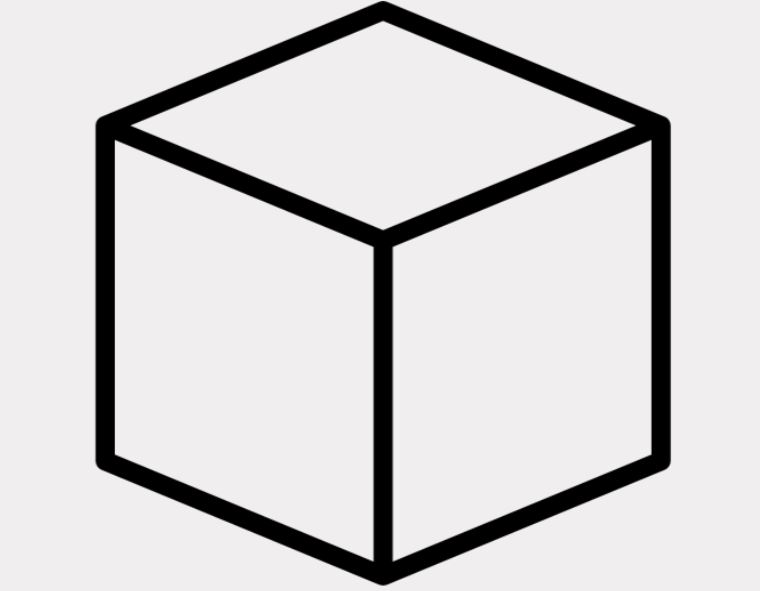
Look at the cube... What could you do to make it look real?
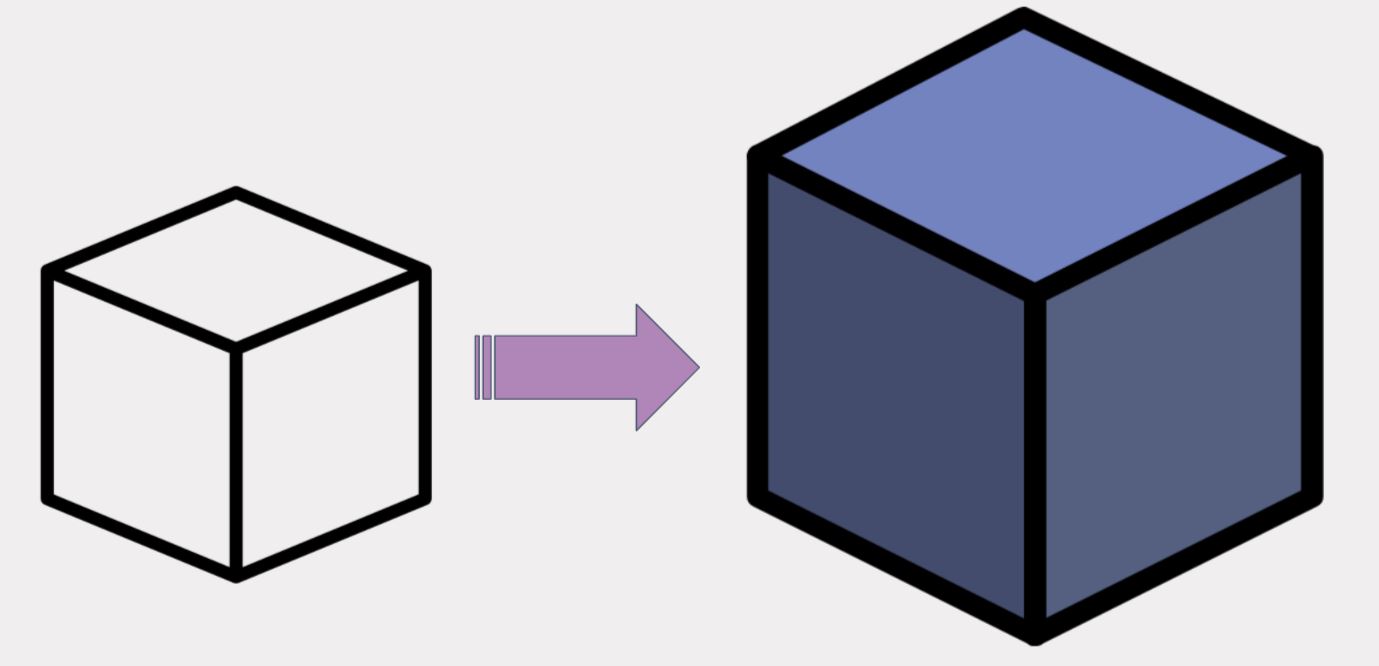
We can render (shade) the cube to make it look more 3D.
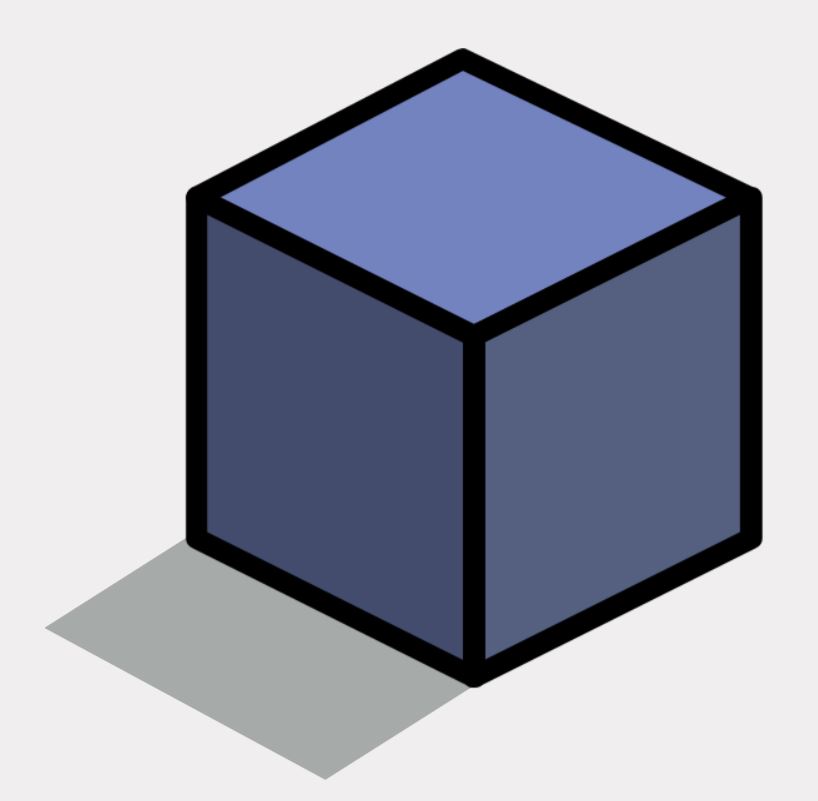
We can add shadow too…
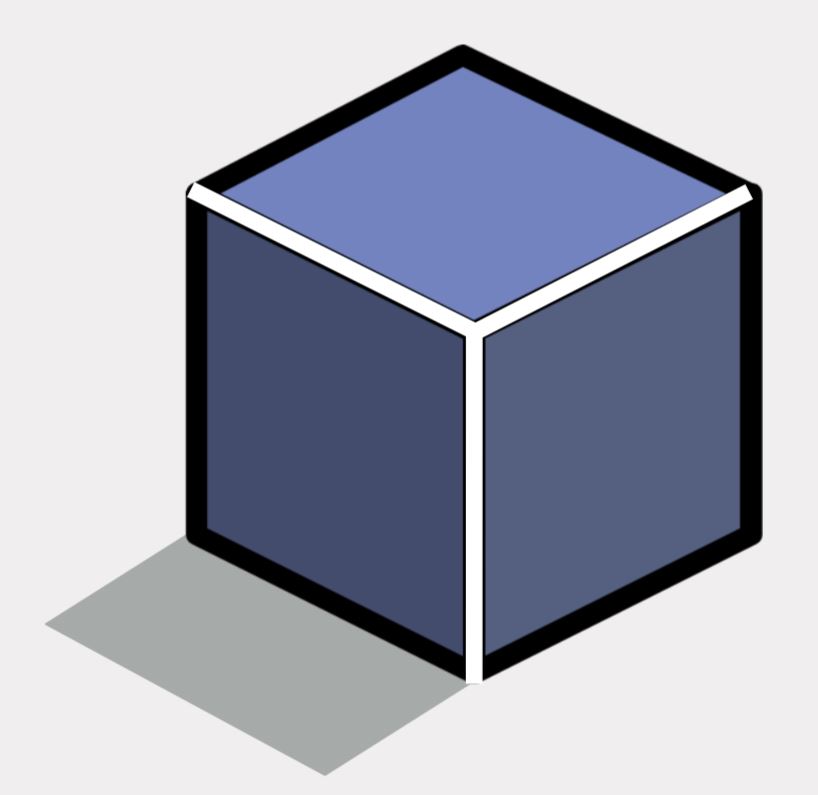
We can make it look shiny or reflective by adding highlights…
Watch the video to see how to shade by hand to make shapes look 3D…
You can also add texture to make the forms look like different materials…
What materials do these cubes look like they are made from?
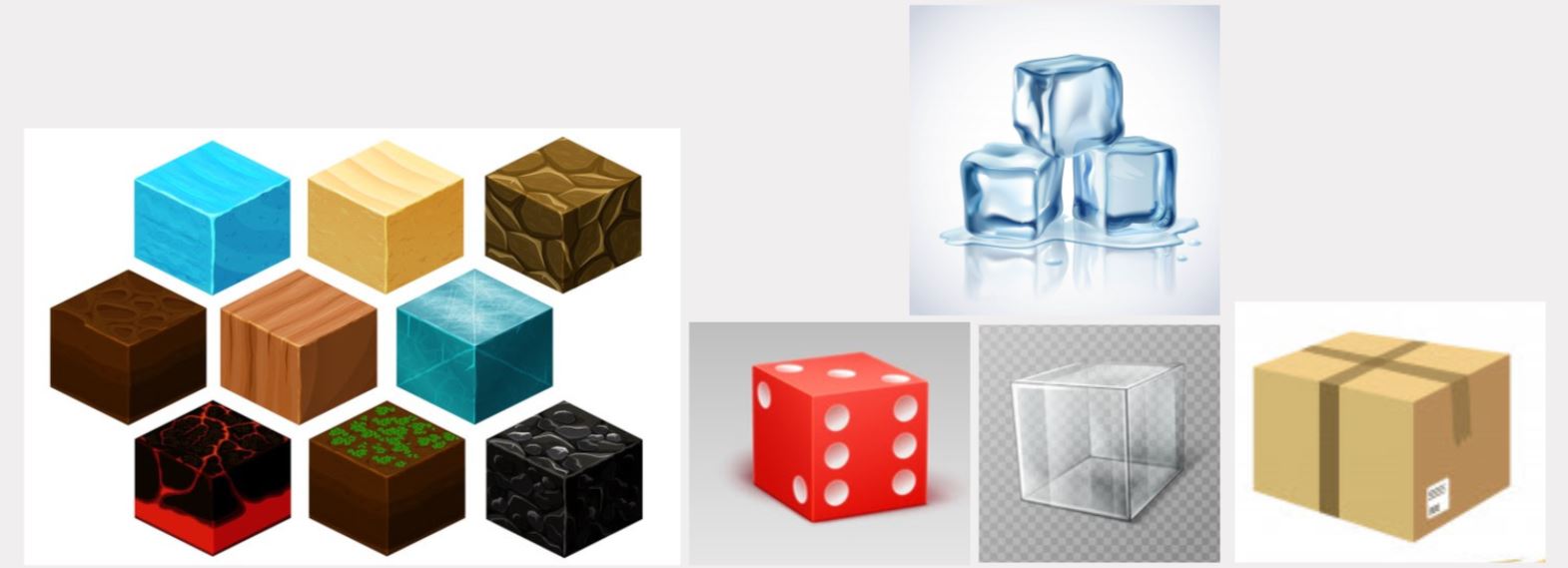
Winter vector created by macrovector - www.freepik.com
Number vector created by macrovector - www.freepik.com
Geometric vector created by upklyak - www.freepik.com
Wood vector created by macrovector - www.freepik.com
 Kua reri? - Time for Blender!
Follow the video at your own pace and if there's anything you don't understand, your teacher should have the answers in the presentation slides.