
Lesson 9 - Reference
References in Blender
 Kōrero Mai: What tools do gold miners use?
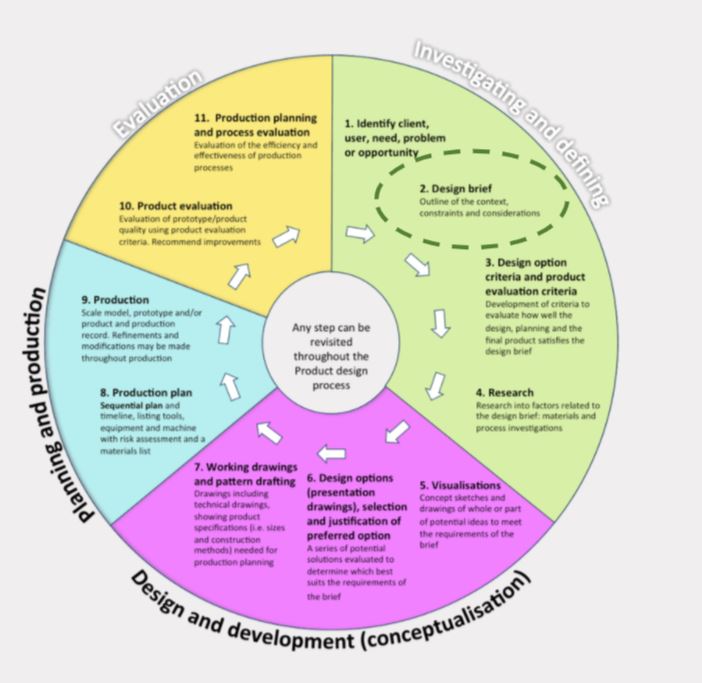
A design brief is a statement written by a designer after they have identified a need. It explains what will be designed and why this need is important. Today you are going to be given a brief to research into and develop designs for.
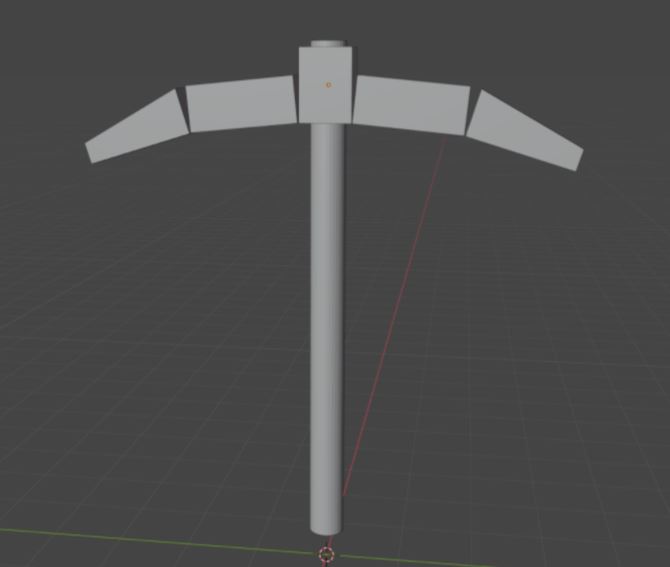
Given brief: To re-design, modify and model a tool that a gold miner could have used in the 1800's. Use Blender software and apply the techniques you have learned so far in Module 4.
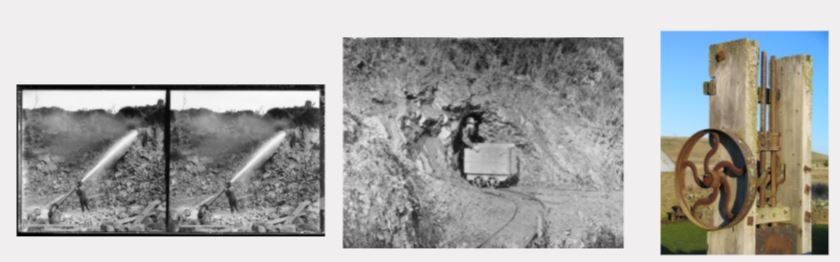
 Kua reri? - Research: Life of a gold miner in the 1800's.
Student Task: Using digital tools and search engines you are to research:
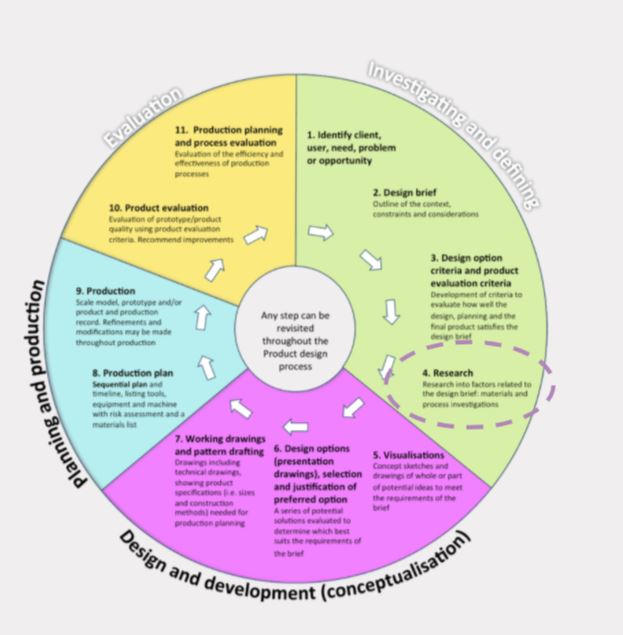
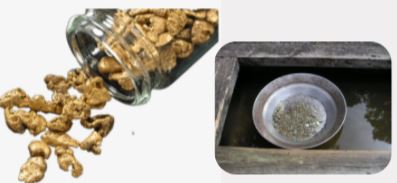
- recap your research into tools and equipment used by gold miners.
- How did the miners use the tools? do you think there were any problems using these tools?
- How do you think you could make the tools more 'fit for purpose'?
Kōrero Mai: How to modify and develop design ideas using SCAMPER
SCAMPER is a technique that designers use to help them to change and improve their design ideas. Each letter in the acronym SCAMPER represents a technique...
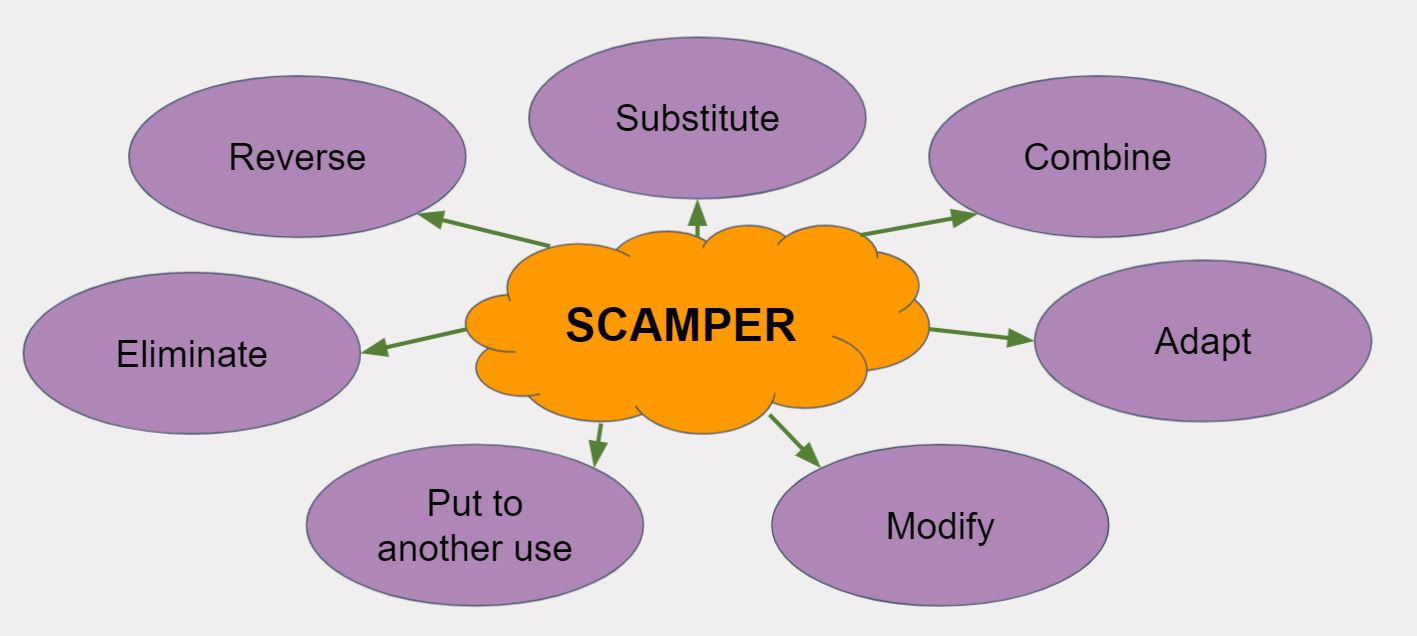
Kua reri? - Gold mining tool
Student Task: Use your research and the SCAMPER method to help to generate quick sketches and design ideas for your modified gold mining tool. Think about how you can make the tool more fit for purpose. Remember to use geometric shapes and crating to help you when sketching.
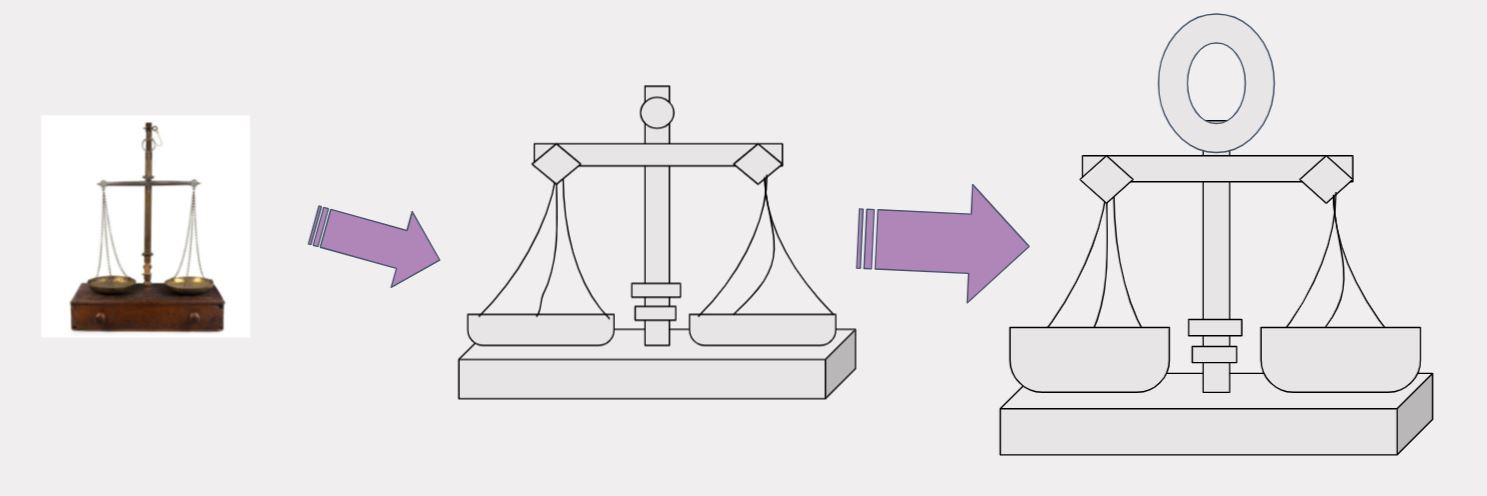
 Design - hoahoa
Tools & Equipment - Modifying Ideas
Learn how to work with references and create ideas from them!
Imagine that you’re a gold miner… And you’ve been unlucky with finding gold, so the next best thing is to invent new/improved tools for other gold miners to use!
You can create your own tool but also follow along to learn new methods that will make it easier.
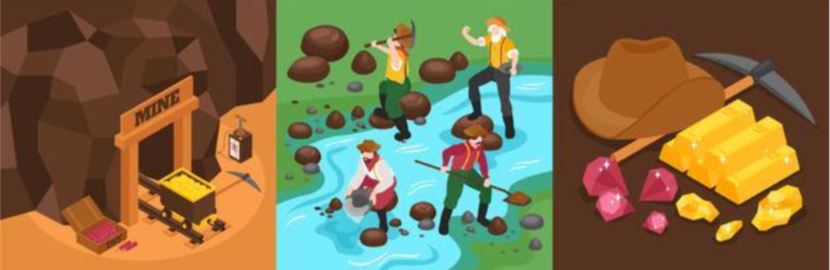
Gold vector created by macrovector - www.freepik.com
A common tool for a gold miner is a pickaxe! But let’s make it our unique pickaxe…
To start, we’ll get as many images as we need for us to get inspired!
In this course we’ll keep it simple by having two pictures.
Here are the two images that we’ll use as reference that these slides will be working with…
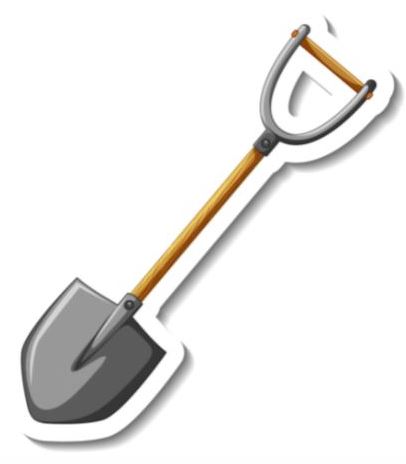
Banner vector created by brgfx - www.freepik.com
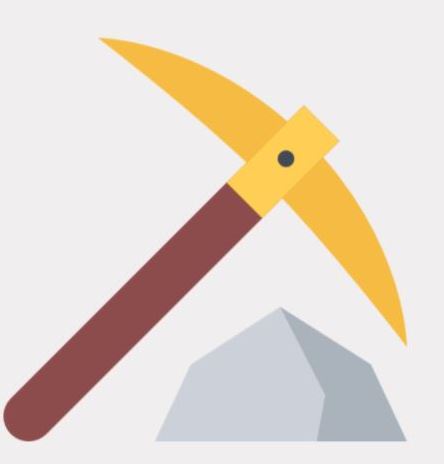
Try to find your own images as reference though research and makes sure that it’s free to use and that you can download it.
As long you have the pictures on your computer as JPG or PNG, we can proceed with the next step.
If you have drawn a few inspirations, try to take a picture of it and put it into your computer if possible!
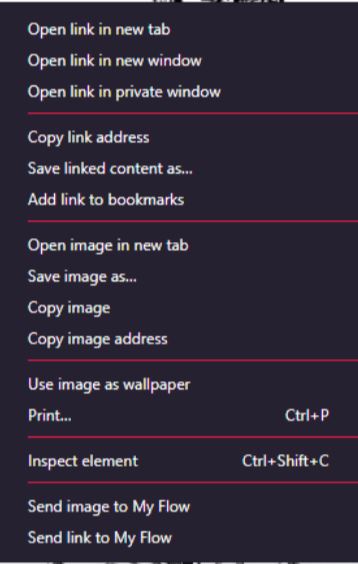
If you’er on Windows 10, you can right click on an image in Google Images that you find and select Save image as…
This way you can save an image to your computer!
Kua reri? - Time for Blender!
Follow the video at your own pace and if there's anything you don't understand, your teacher should have the answers in the presentation slides.