
Lesson 11 - Environment
Creating 3D Environment
 Kōrero Mai: What is product analysis?
Last lesson you explored Product Analysis by researching about 3D models/objects and completing a PMI analysis.
Today, you will continue to learn about product analysis but this time you will research an 3D environment, like a room in a building.
You will evaluate the environment through annotation.
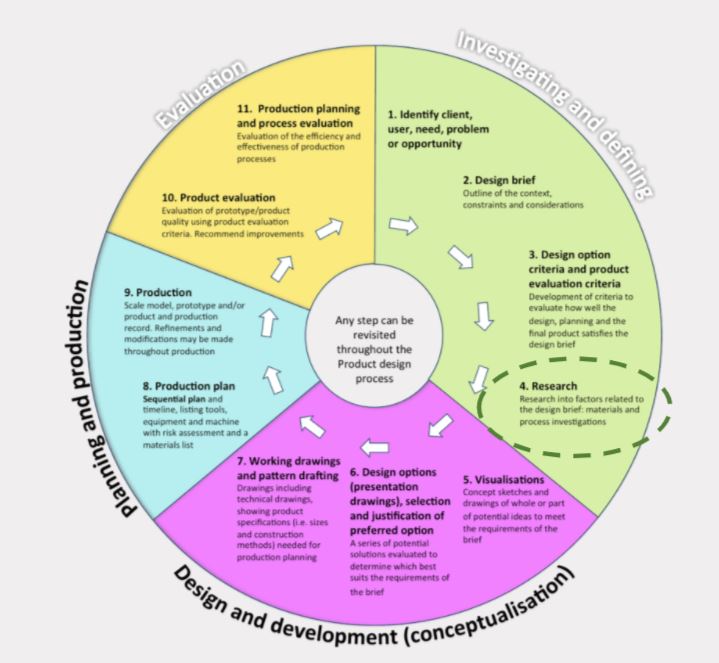
How do you analyse a product?
Look at the 3D Blender environment model…
…what do you think about this model?
…is it a good example of a 3D model? why?
…does it look real? why?
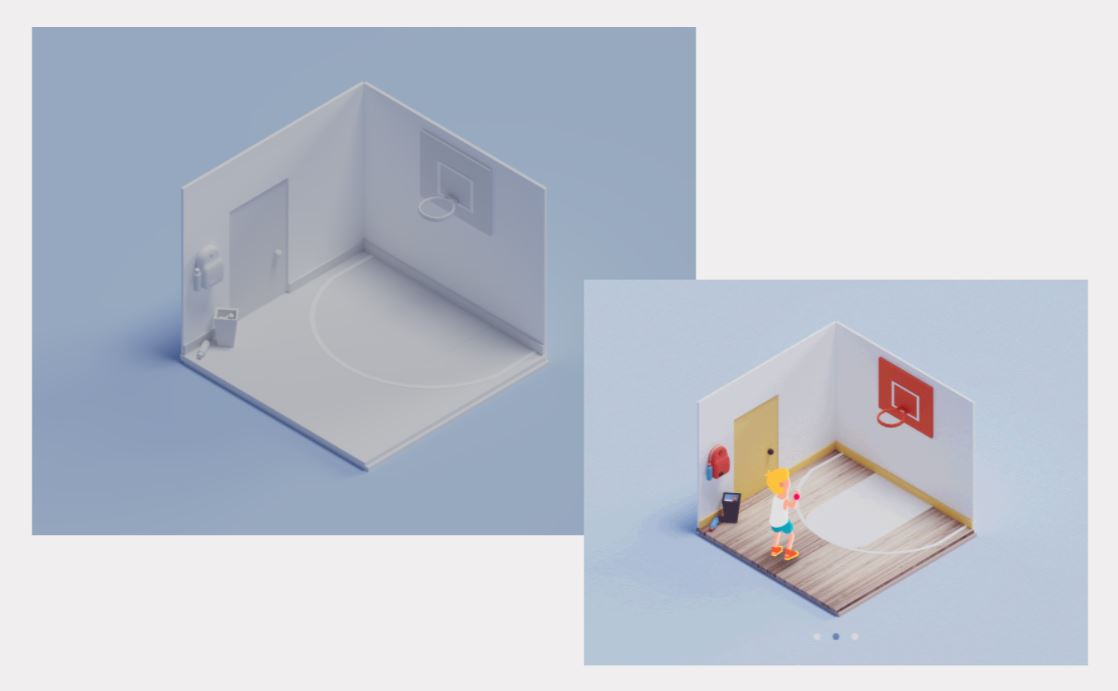
Is there anything you can take from this example to help you with your own models in the future?
Would this make a good VR model? Why?
 Kua reri? - It's your turn... Product analysis
Student Task:
You are to research and explore different types of 3D environment/room models.
They need to examples of environments that can be created in Blender.
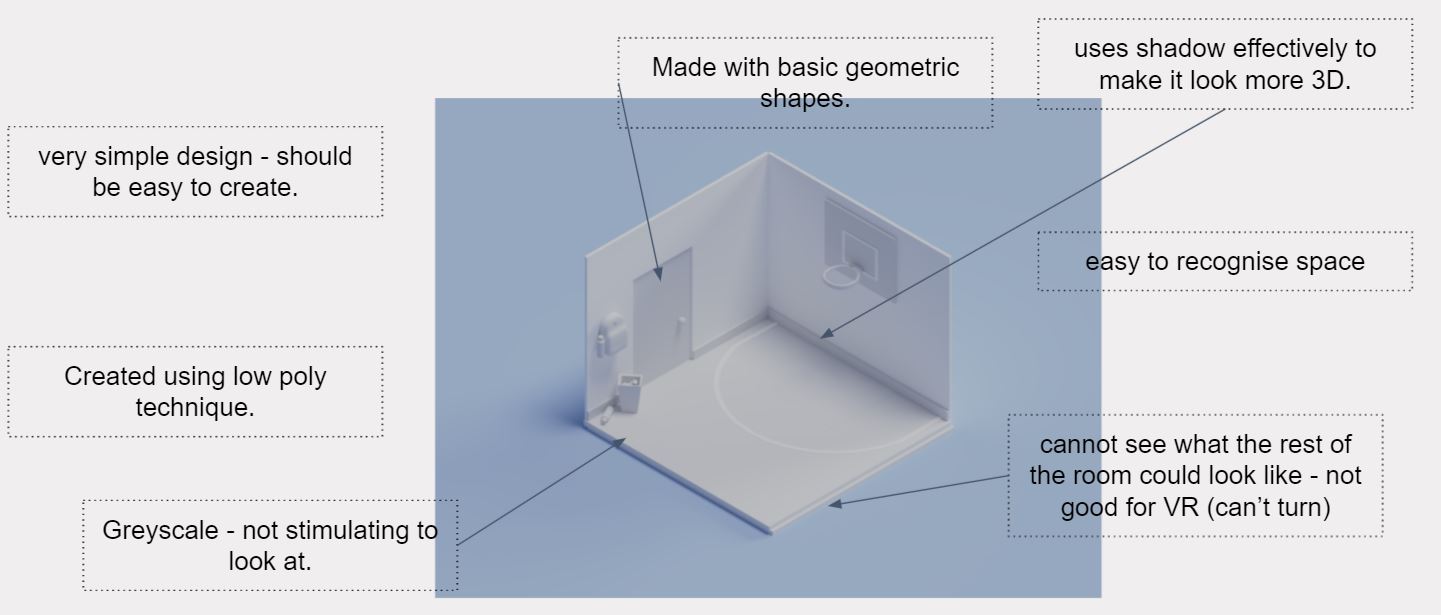
Annotate the model
- explain the features.
- what do you think of the design?
- why?
 Research - rangahau
Kōrero Mai: 3D Environments.
When it comes to creating a 3D environment, there's a different mindset sometimes that you have to be in compared to doing it in 2D. Especially in the gaming industry.
When creating an environment, you have to think about what you want people to see.
If it's a game, you're more likely to create many models so that it doesn't look empty and lifeless.
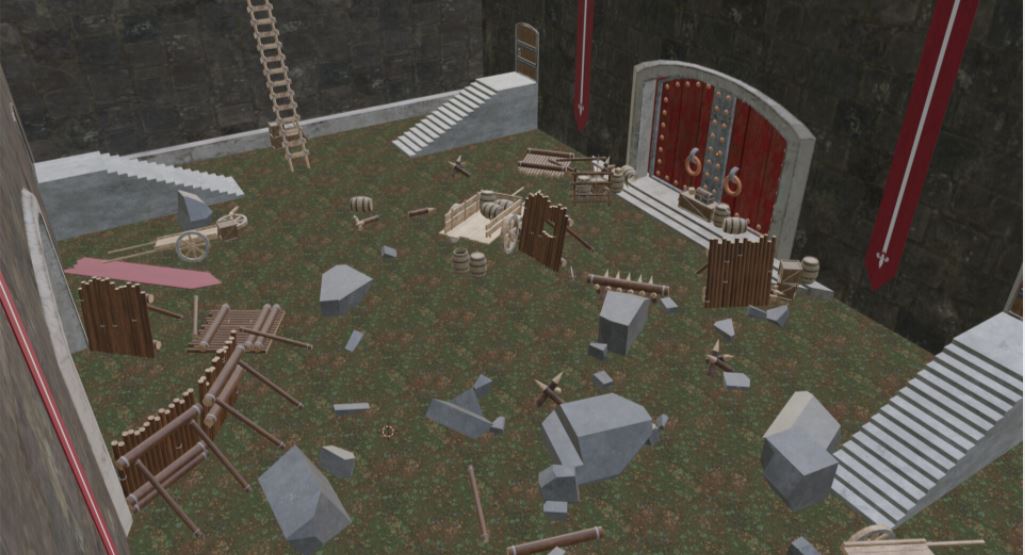
Sometimes it can be hard to create a 3D environment. Even if you create a lot of models in the main scene, what about the outside?
As you can see in this picture, it has many models, but the background has nothing it in.
This would be fine even in a VR game if we don’t let the player see the empty background.
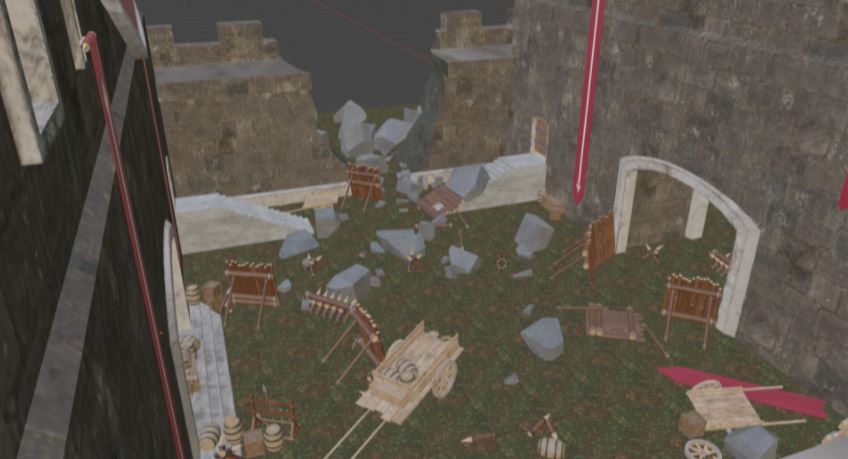
Simple environment.
However, it doesn’t have to look very complicated.
This picture, it has one building on each side and at the front and back. That’s all you need!
This will prevent the lifeless background.
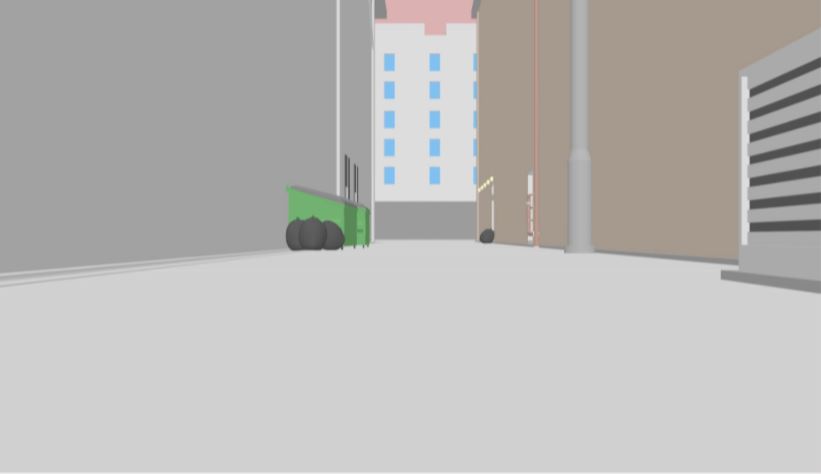
Inside VS Outside
Another easy way to create an environment is by having it be inside and create the interiors instead!
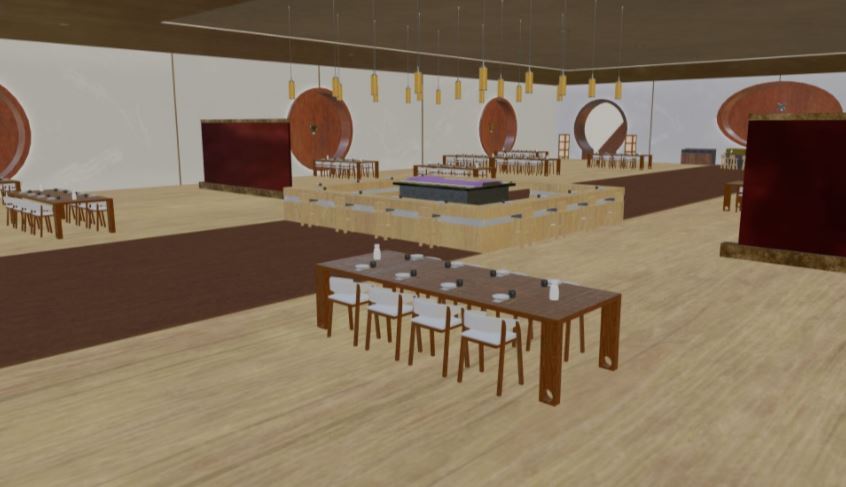
Creating a room can sometimes be easier to make than an outside environment.
You sometimes don’t need to show the outside, which means less work to do. However,
that doesn’t mean that the interior will necessarily have fewer models.
Hiding the grey background
This is similar to what we did in the last lesson, but this time we’re going to try and hide the lifeless background and cover it by any means necessary!
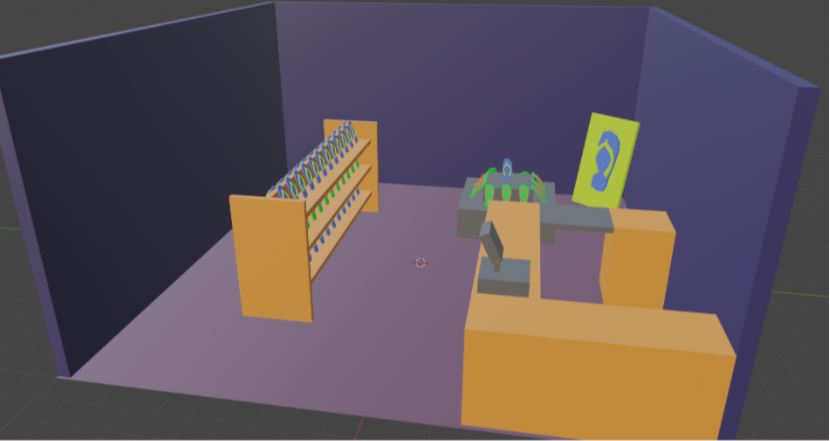
- Do you think the environment we built in the last lesson would be good for a game?
- What needs to be changed?
Kua reri? - It's your turn... Base
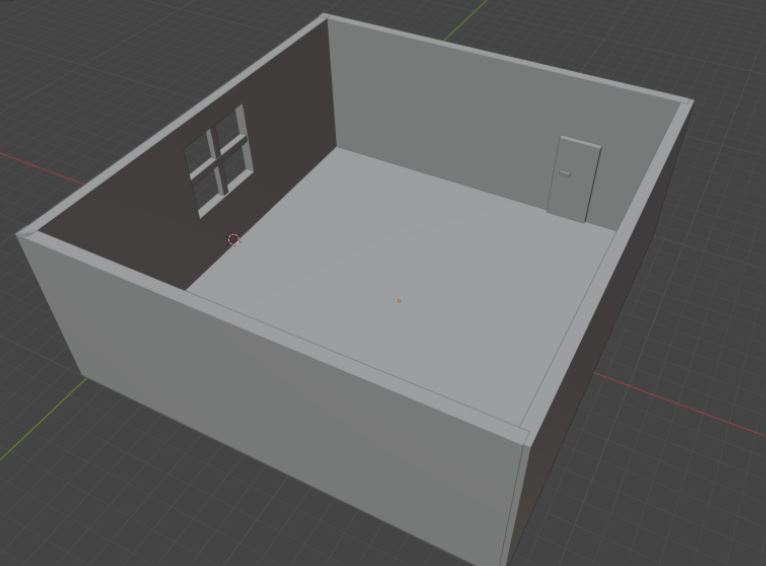
As a starting point, this is all you need to for the base of our environment!
Create four walls, ground and a single window. The door is optional.
Create something similar to the picture but don't do anything for the window yet. We'll go through that shortly.
Kua reri? - Time for Blender!
Follow the video at your own pace and if there's anything you don't understand, your teacher should have the answers in the presentation slides.