
Lesson 12 - Management
Blender Managements
 Kōrero Mai: Introduction to mini project in Blender
Over the next few sessions you will start to use your research skills and techniques to explore a context and brief.
You are going to learn more about your local community.
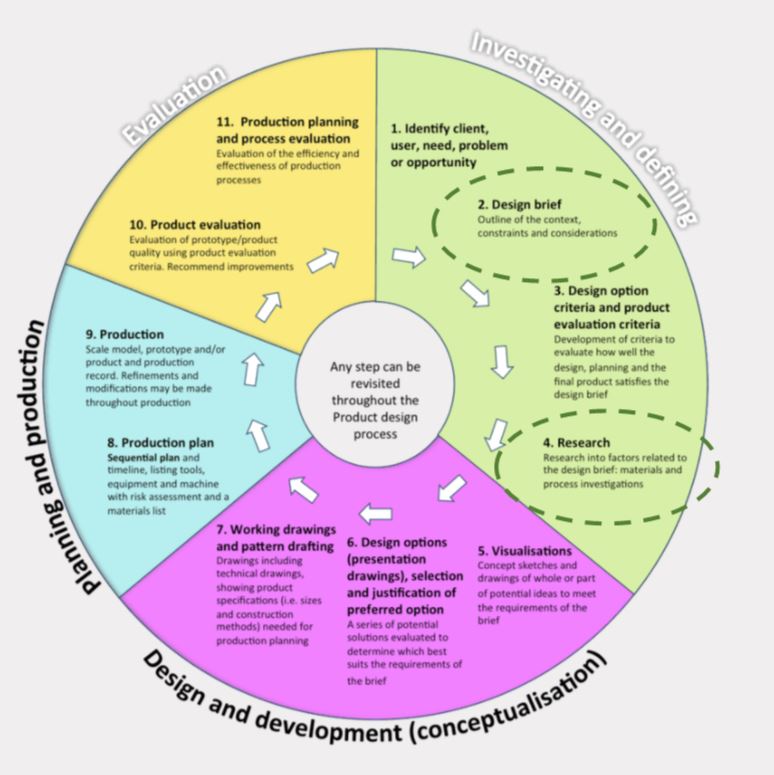
Discuss the given design brief:
Using tools and techniques that you have developed in this course you will:
Design and make a 3D diorama in Blender that highlights a story from your local area.
This 3D environment will be used as an educational tool to teach other students in
your school about your local community.
It can be linked to the natural environment, social stories or the stories of Tangata Whenua in your local community.
 Kua reri? - Explore the stories of your local area.
Student Task:
Plan your research - where can you find information about your local area?
what types of research could you do?
Start to research into the stories of your local community. They can be environmental, historical, cultural, etc
What is your WHY?
- Why have you chosen this story to create an educational tool for other students?
- What makes it special?
- Why should other students know this story?
 Research - rangahau
Kōrero Mai: File management in Blender
When working in Blender, it's very important to keep everything organised.
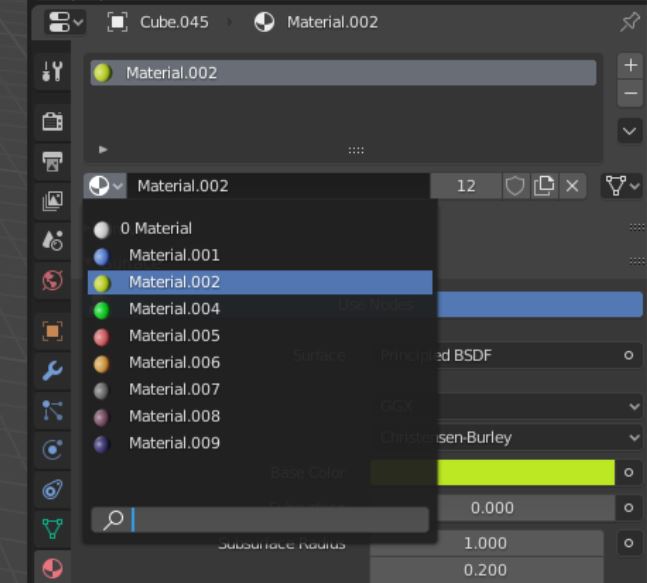
- Looking at this material selections...
- Is this good management?
- You can see the colours but not the names of them...
This looks much better!
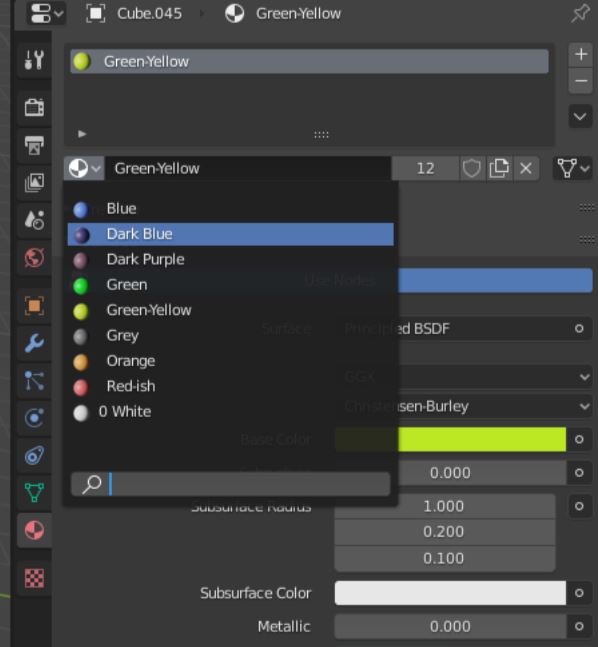
This is easier to identify which colour is which!
Although we can see the actual colour spheres, it’s easier to forgive the bad management.
However! It’s vital to name them regardless, mainly because when UV Textures comes into play, the colour sphere that we can see now won’t matter…
UV Textures are the actual textures for 3D models and right now we’re using basic colours for the look of our mesh.
Scene Collection
You might have noticed this window each time you open Blender.
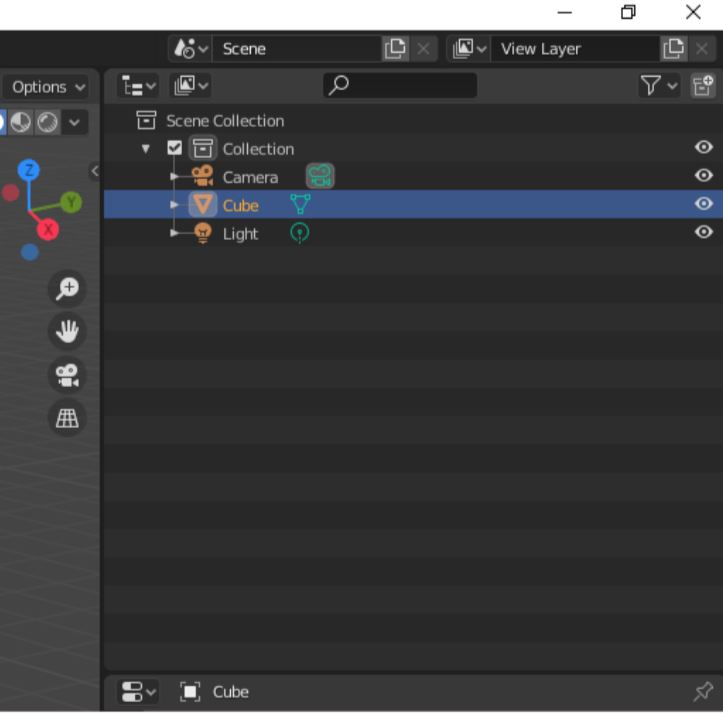
Every time you open a new Blender file, it will spawn with a Camera, a Cube and a Light, and you can see that in this window.
Everything will be in your Scene Collection, which displays what models, effects and anything you decide to add into your Scene.
Kua reri? - Time for Blender!
Follow the video at your own pace and if there's anything you don't understand, your teacher should have the answers in the presentation slides.