
Lesson 15 - Diorama animated
Animating an environment
 Kua reri? - Showcase a story from your local area.
You are going to continue to make your environment in Blender for your diorama.
Decide what you will create first:
- the interior environment?
- the exterior environment?
- both types of environments?
- 3D object models to go into your environment?
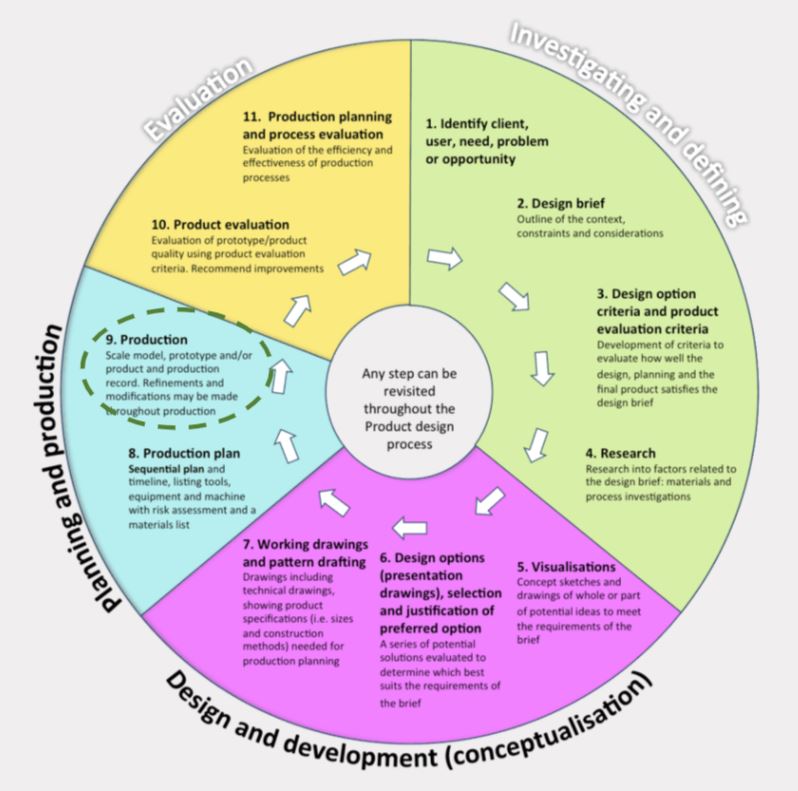
Blender tools & techniques recap for making animations…
 Kōrero Mai: Initial Ideas
Blender tools & techniques recap for animation...
In this lesson, we're going to continue finishing your dioramas.
For those satisfied with the result, the next step is to animate the environment!
If you need more time, you can continue modelling it.
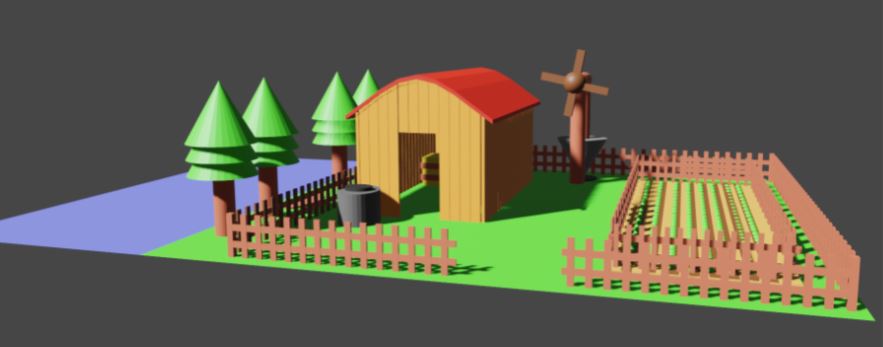
Take a look at this environment…
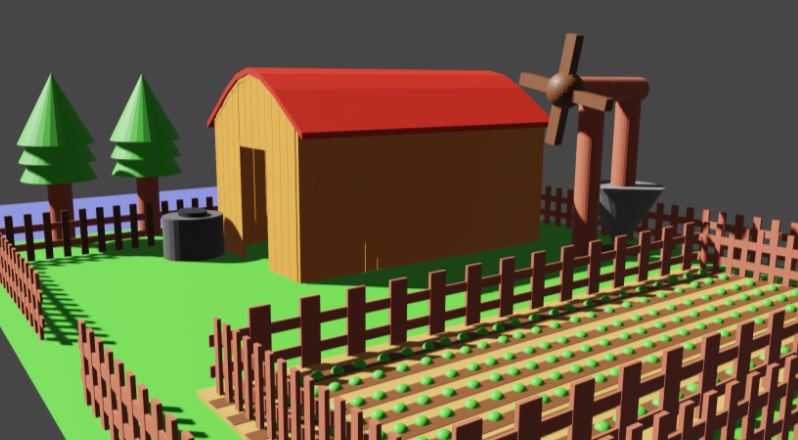
As finished as this one looks, we can still make it look alive.
Environments doesn’t need to have everything be moving.
What do you think should be moving in this picture? Think about that for your environment!
To achieve some of these animations, especially the trees, it’s not that complicated, and we’ll do some recaps as well. (Your teacher will show you on the slides.)
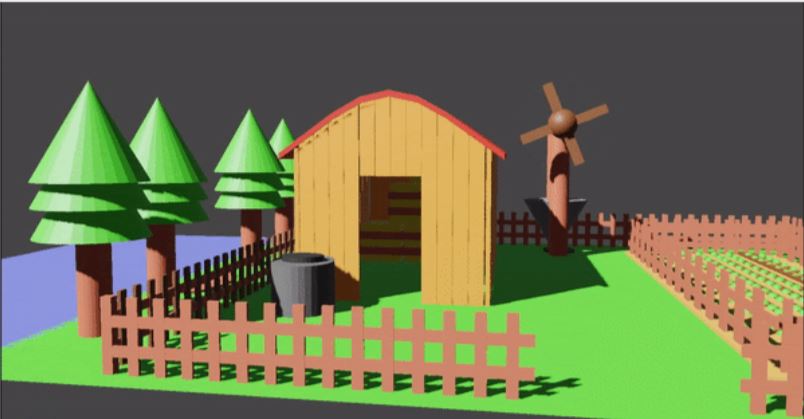
Kua reri? - Tree animations.
The trees are separated meshes, three cones stacked on top of each other.
The animations are simple. It's just the cones going up and down.
What's happening is that they are moving at different speeds.
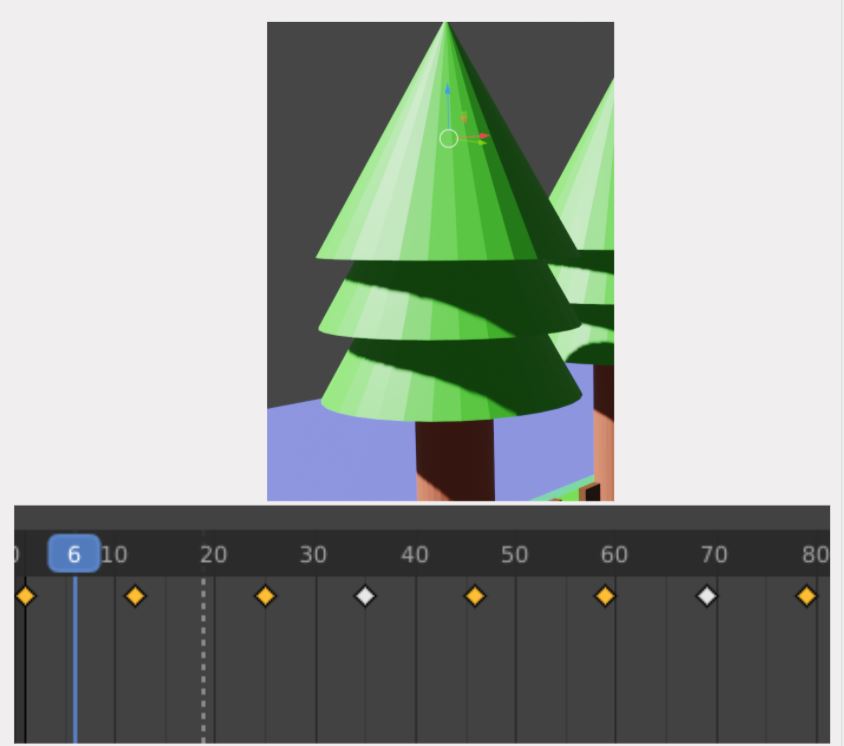
If you would like to do something like this, select to the first cone, and move it up and down.
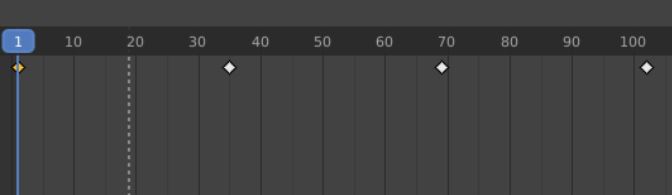
Remember to make a keyframe at number 1, and then at frame 35, move the cone down a bit. Then move it back up at 70.
Then repeat that throughout the timeline with the same space between the keyframes.
Do the same thing for the second cone. However, have the keyframes be on different numbers.
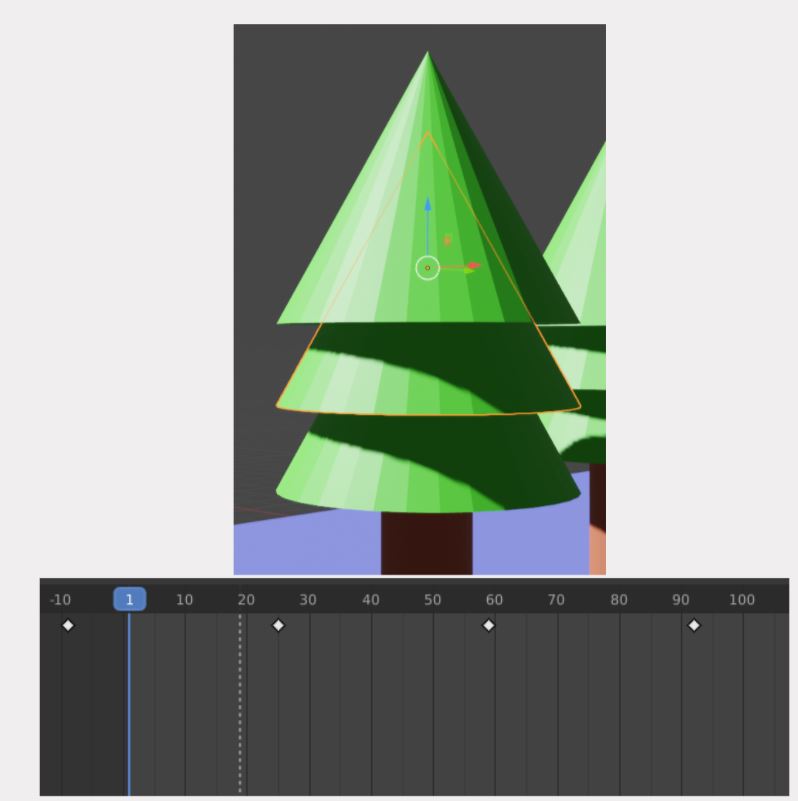
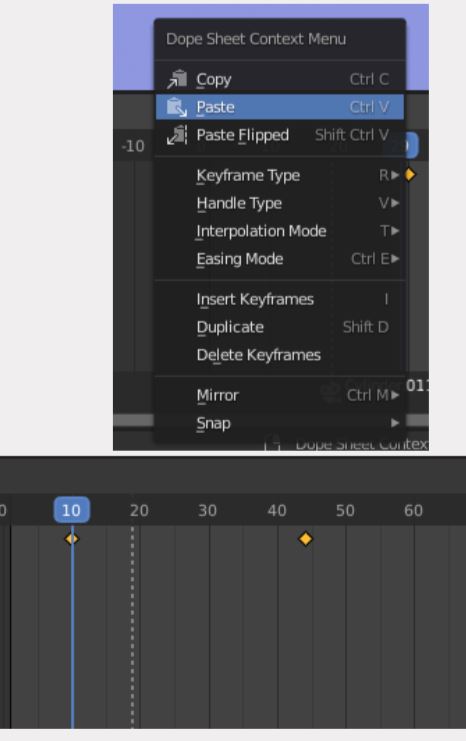
An easy way to do this is by first, once you’ve made all of the keyframes on the first cone, select them and copy them by right-clicking on your mouse in the Timeline.
Then select the second cone and move the Blue Square to 10.
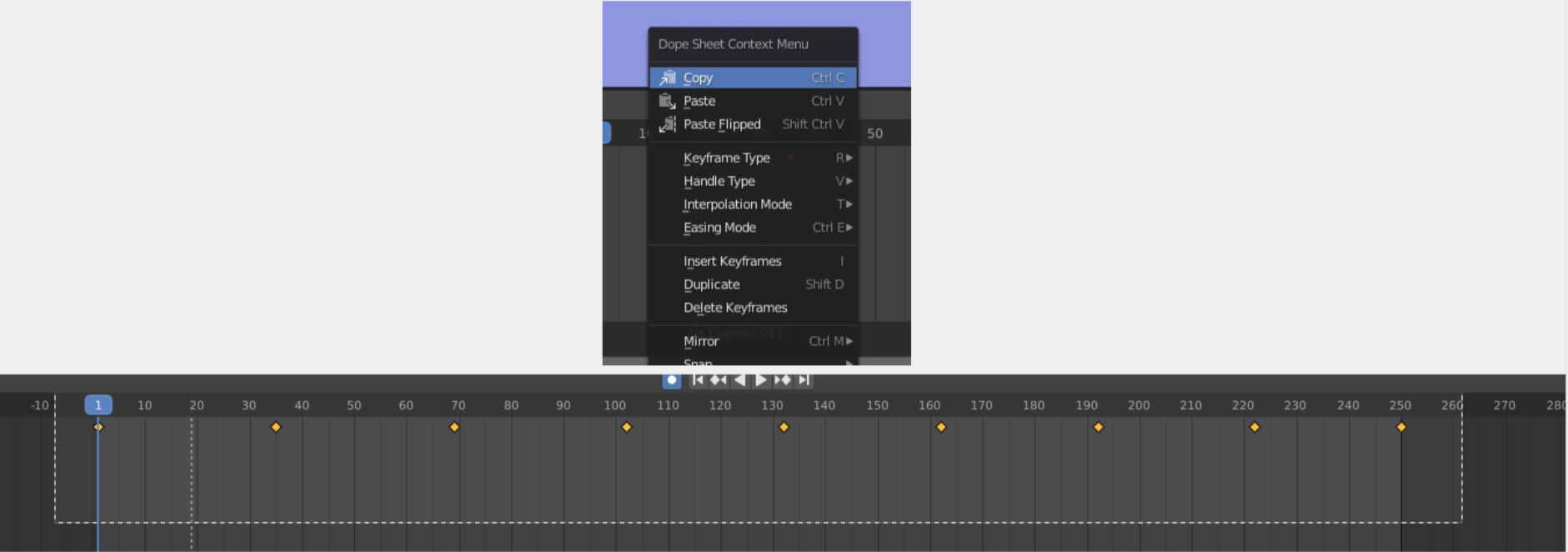
On number 10, right click with your mouse and Paste it. Now your second cone will move at a delay.
If you’re not happy with the speed, you can manually move the keyframes by clicking and dragging the dots.
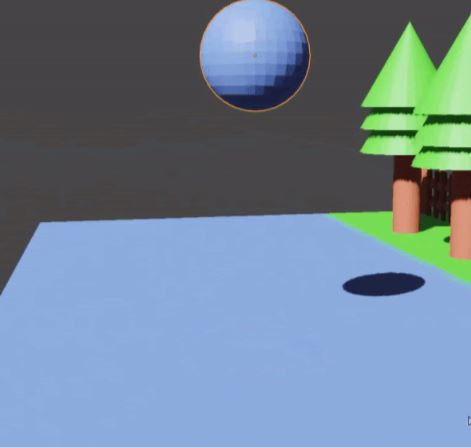
If you want raindrops, remember the bouncing ball exercise?
Instead of it bouncing, it gets squeezed down as it touches the ground.
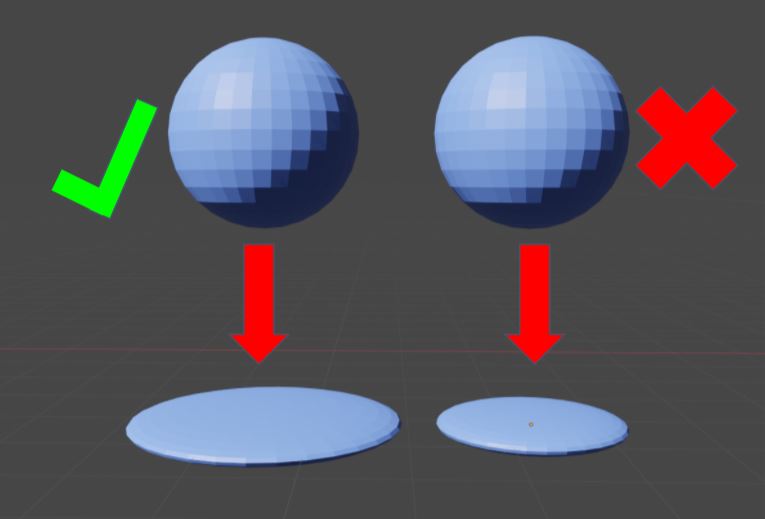
It also becomes wider as it gets flat, and that’s because when something gets flattened,
the body has to go somewhere else. It shouldn’t disappear.
It’s more realistic, and as the picture indicates, the ball’s volume is gone if you shrink the ball’s height!
Remember this, and the same applies when you’re animating a slime ball, for example.
Go ahead and see what you can animate!