
Lesson 15: Researching into a context. Reading data from a file
 Design Process - tukanga hoahoa
 Kōrero Mai: Recap: Design thinking
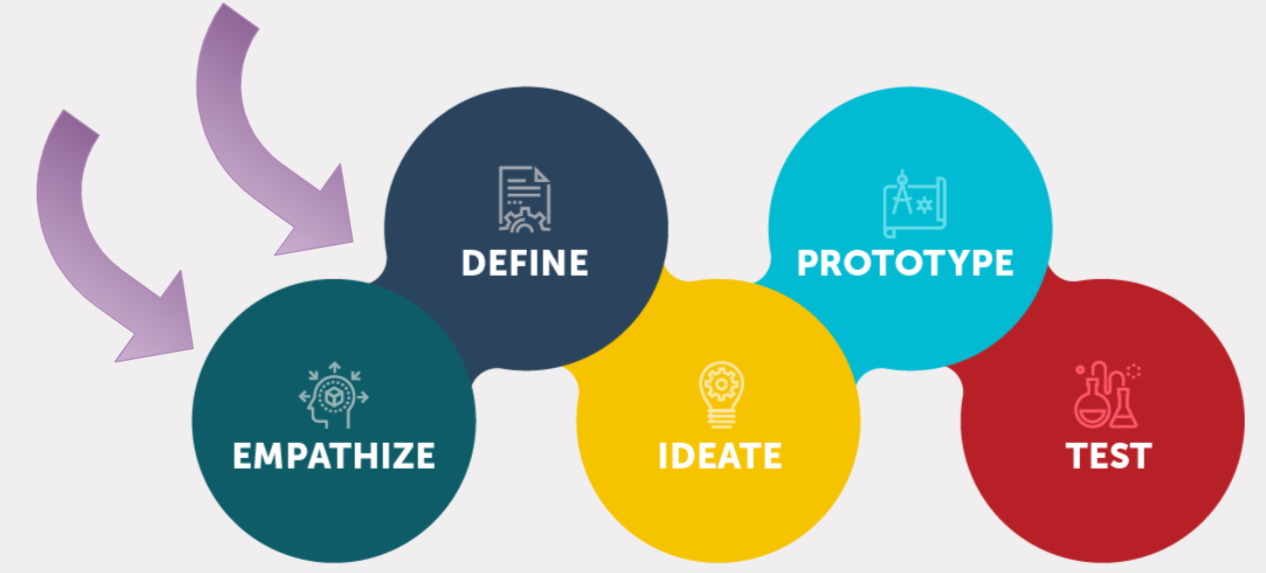
Today we are going to focus on the empathise and define bubbles...
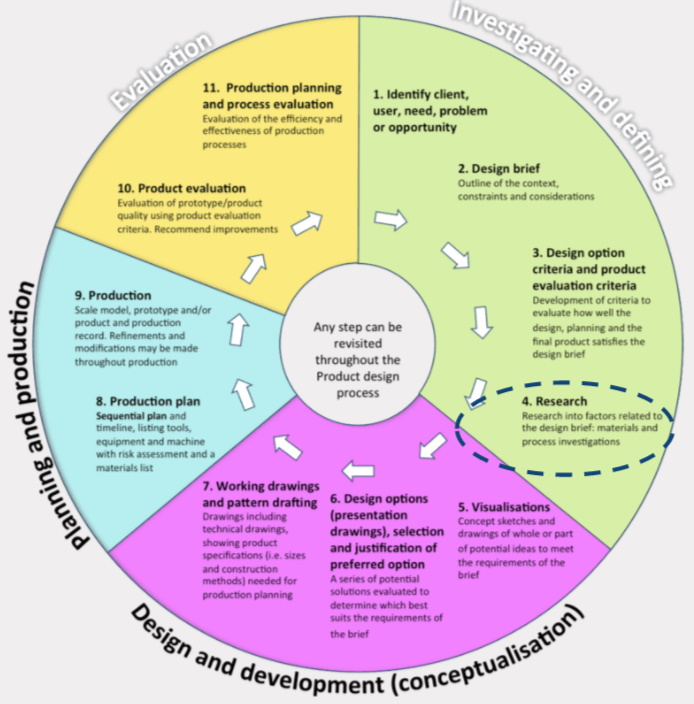
Research - rangahau
Kōrero Mai: What is Research
Research is when a designer explores the context and initial design brief. They find information to help them to design technological outcomes. Information could include:
Here is the context again…
“Your school wants you to create a “quiz like” software that allows students to test their knowledge of various topics.
The software will need to read information from an external file. This file will contain the questions and answers to each question.
The software will then need to display the questions and answers and allow students to pick which answer they think is correct (multiple choice questions with 4 possible answers).
You may choose the theme and stakeholders for the quiz.”
Look back at your work from last session.
- Who did you choose as a stakeholder? why?
- What theme did you choose ? why?
Research
Types of research: Stakeholder research
Stakeholder research involves finding out about the main users of the outcome you will design. You could prepare some questions and interview them or get stakeholders to complete a survey. Stakeholder research can help to find out what the stakeholder needs and wants.
- What types of questions could you ask your chosen stakeholder?
- How could you get the information from them?

Types of research: Information & knowledge
Now you have decided on your theme for your quiz you need to collect information and knowledge to help you create the questions and answers for the project.
-
Think about the stakeholder - what level of knowledge do they need? easy? hard?
-
What kinds of information do you need to find out?
-
Where are you going to look for information?

Types of research: Product analysis
Product Analysis is when you look at a range of products that are currently in use or being sold. It helps to find great ideas, see what doesn’t work (and if you could improve) and if there are any gaps in the market.
- What different types of online quizzes do you know?
- What are their features, any good and bad points?
- Are there any inspiring features that you may be able to use?
- Look at the software - is it easy to use? (user friendly), what makes it engaging and fun?
 Kua reri? - Ready? It's your turn... Choose a research method
Consider the different types of research methods...
If you have time, the extension task is to work through another form of research. The more research you complete the easier it will be to start designing and programming your own quiz!
Reading Data
Recap - Arrays
An array is a data structure that consists of elements all of the same data type.
Arrays are useful for storing data to be used in programs. Examples:
- An array of all the users using an app
- An array of the user’s orders from a website
- An array of all the collectibles in a game
We use arrays so we can store information under a single name. This saves space in our code and makes it more efficient.
Using an array to store data from a file
A common use of an array is to store large amounts of data from external files to be processed.
Commonly, businesses will store data in spreadsheets like excel or google sheets. Therefore, programs need a way of reading the data from these files so that they can be processed.
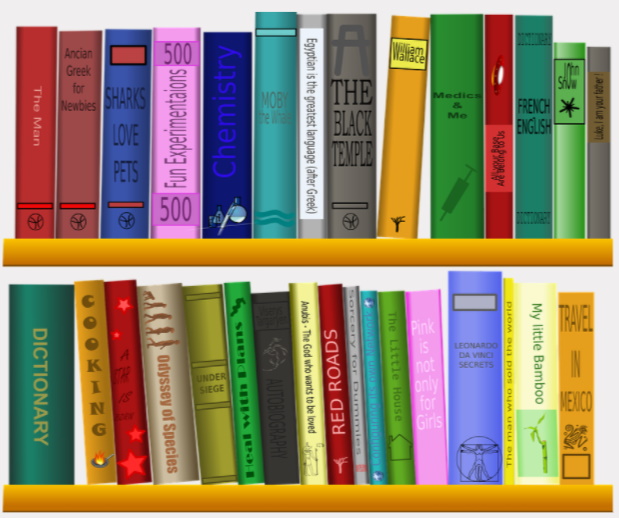
An example could be a database at the library that stores information on all of the books and their genres. When you want to filter books by a certain genre, a program needs to filter through all of the books.
How to file readers work?
File readers are a type of program that we can run inside of our own programs. File readers handle the tough job of accessing the data and outputting it for us.
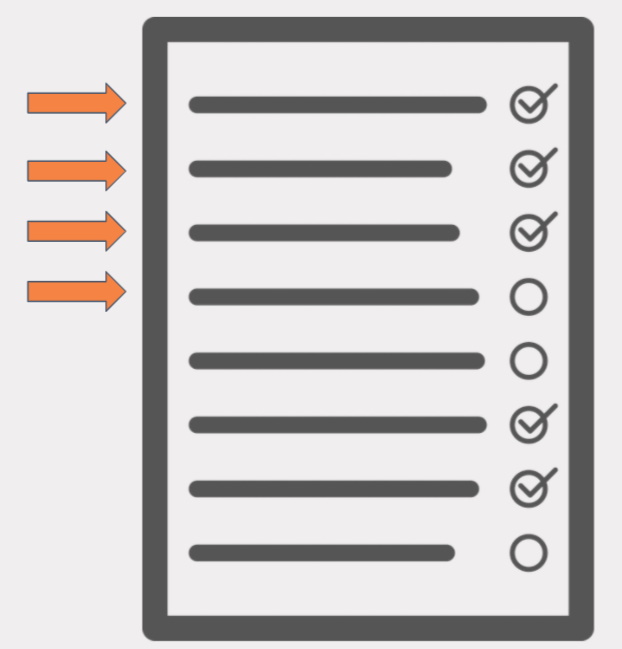
File readers usually read the specified file one line at a time. They will continue to do this until they read something called the ‘End of File (EOF)’ character.
This will stop the file reader and close the file.
How to read from files with C#
To read data with C#, we need to use the Input & Output library. Also known as ‘IO’. We can add this at the top of our file.
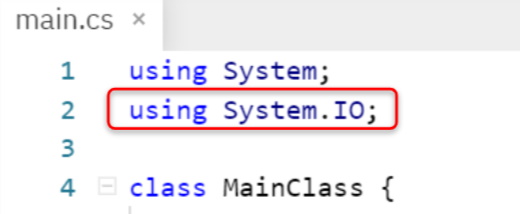
Now that we have access to the IO library, we can read data from an external file. For this example, we will use a simple .txt file. However, most text based files can be read in the same way.

Note: This method stores each line read as its own string. This means we can use an array
Kua reri? - Ready? It's your turn... Reading from a file in C#
Continuing from the previous lesson, you will now need to read information stored about pets visiting a vet. There is also an extension task that requires you to practice using Arrays and data even further. Read the ReadMe file included for more information.