
Lesson 14: Identifying needs. How do Arrays work?
 Design Process - tukanga hoahoa
 Kōrero Mai: Recap: What is Design thinking?
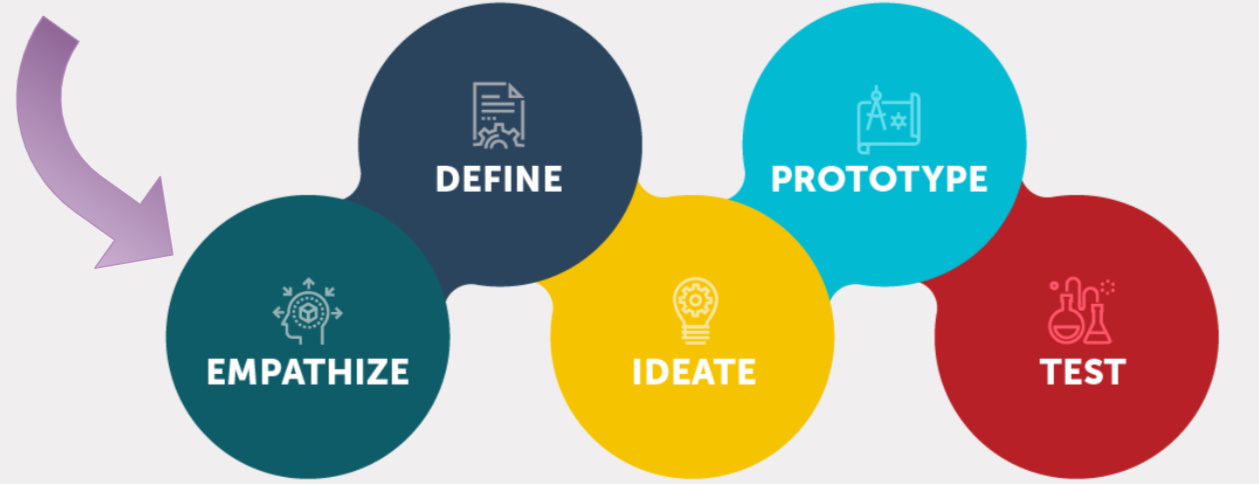
Design thinking encourages designers to focus on the people they're creating for, which leads to better products and systems.
Today we are going to focus on the empathise bubble...
Kōrero Mai: Recap: What is a need or context?
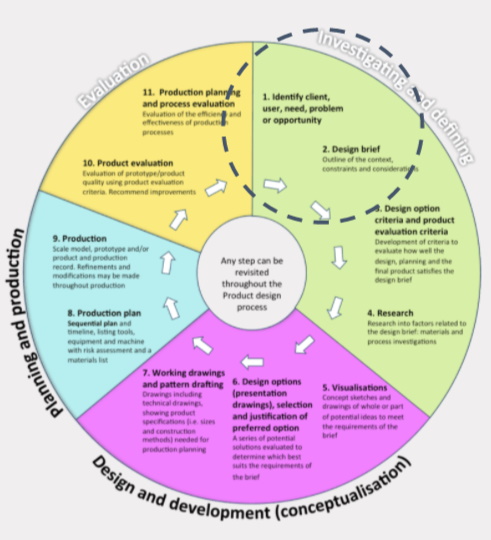
The first stage of a design process is to identify a need in the community.
A need can also be identified from a given context.
A context is the background given to the designer. It can link to a theme or specific stakeholder.
Stakeholders - hunga whaipānga
Kōrero Mai: What is a stakeholder?
The first stage of a design process is to identify a client and/or user in the community. A client and/or user can also be known as a stakeholder.
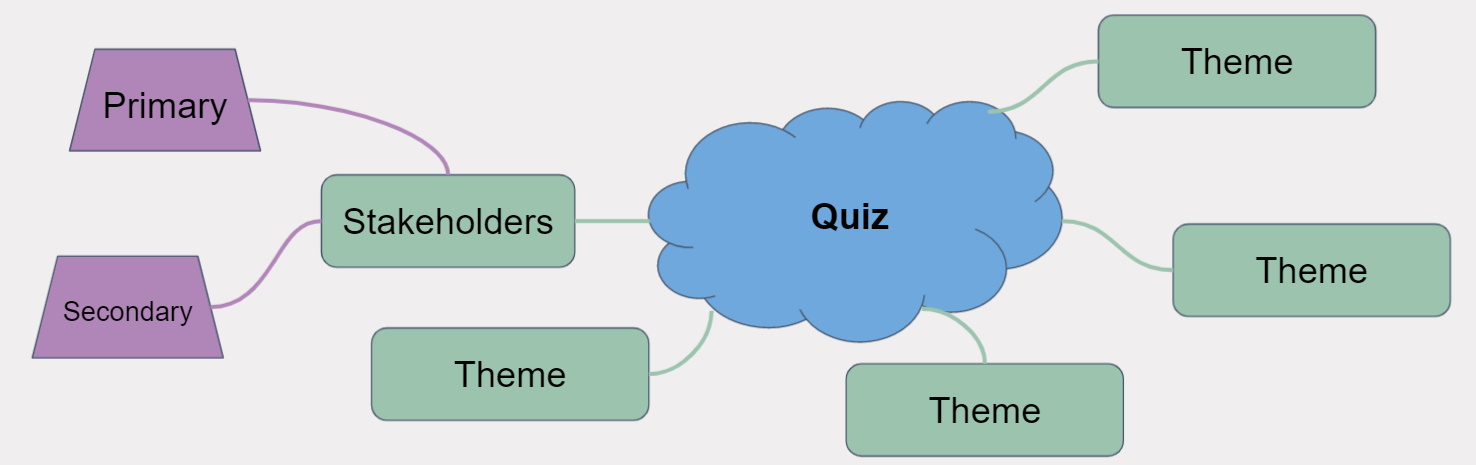
A stakeholder is anyone who will affect or influence the project. There can be primary and secondary stakeholders. A primary stakeholder is someone who will have the most impact on the project. Who do you think that may be?
Who do you think secondary stakeholders are?
Context - horopaki
 Kua reri? - Ready? Identify a need from a given brief.
Here is a context. Read the paragraph carefully. What do you think the need could be?
Your school wants you to create a "quiz like" software that allows students to test their knowledge of various topics.
The software will need to read information from an external file. This file will contain the questions and answers to each question.
The software will then need to display the questions and answers and allow students to pick which answer they think is correct (multiple choice questions with 4 possible answers).
You may choose the theme and stakeholders for the quiz.
You are to consider the context that has been given to you.
 Mind Map - mahere huataui
Arrays
What is an Array?
Data - raraunga
An array is a data structure that consists of elements all of the same data type.
But what does this mean?
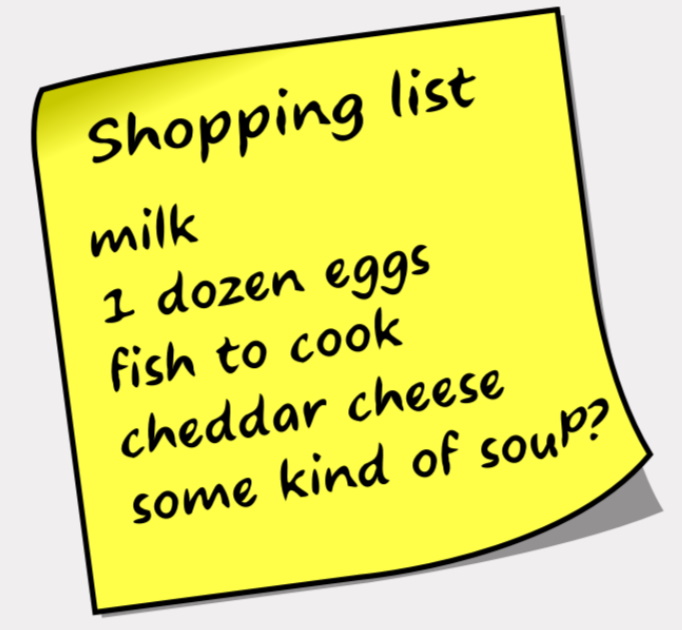
Think of an array as a list. On this list we can have multiple elements, as long as they’re of the same type. The example image works as all of the elements are a type of food.
Kōrero Mai: Where would you use an array/list in programs?
Think about where you could use arrays of data in programs. This could be:

What are some other examples of arrays?
Why use an Array?
We use arrays so we can store information under a single name. This saves space in our code and makes it more efficient. Instead of creating a variables for each user like:
string User1;
string User2;
string User3;
We can instead create an array and access it using a single name: string[] Users;
How to use an Array
First we need to declare the array. We also need to specify the number of elements this array can hold.
To do this, we follow the above format. We use a set of
square brackets ‘[ ] after the data type to say this
variable represents an array of that data type.
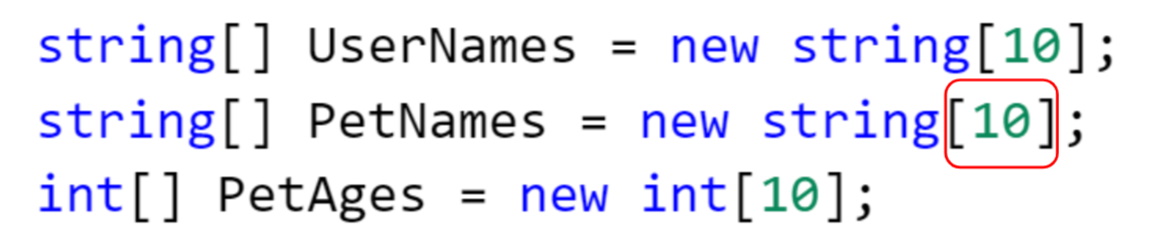
Note that the number highlighted represents how many elements this array can hold.
To store information into an array, we need to provide an index. Think of this as the position in the list we want to access. Again, we use square brackets to specify which element we want.
Note: Arrays always start at an index of 0. This represents the 1st element in the array.

“Toby” is the 1st element in the array, even though the index is ‘0’
Here are some examples of how we can store data by providing an index for our array.

Index = 0. The 1st element in this list is "Fred N".

Index = 3. The 4th element in this list is "Luna".
We can also use an Array not only to store data, but also to use data.

In the example above, we use square brackets to specify which element from the array we want to use. We then check if the number given is less than 2.
Note: The PetAges array was defined as int[] which means its stores numbers instead of names.
 Kua reri? - Ready? It's your turn... Array Exercise
Using your new knowledge of arrays, complete the following exercises. Read the provided ReadMe for more information.
You will have to create and use arrays to complete them. You may also need to use variables as an index too.