
Lesson 17: Starting our quiz maker
 Design Process - tukanga hoahoa
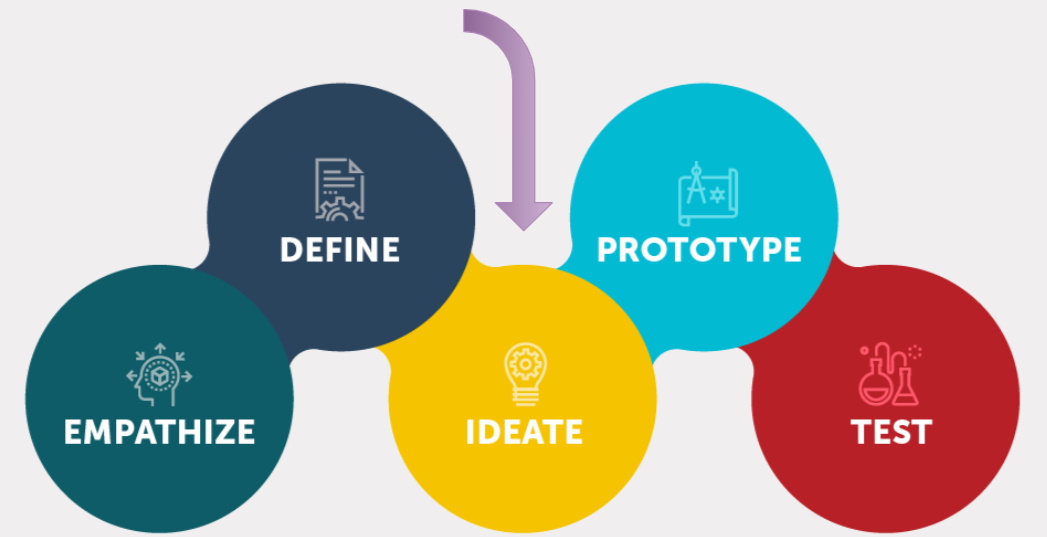
 Kōrero Mai: Recap: Design thinking
Today we are going to focus on the ideate bubble...
Design and Planning
Algorithm - hātepe
Look back and review your design brief, conceptual statement and attributes/specification from last week.
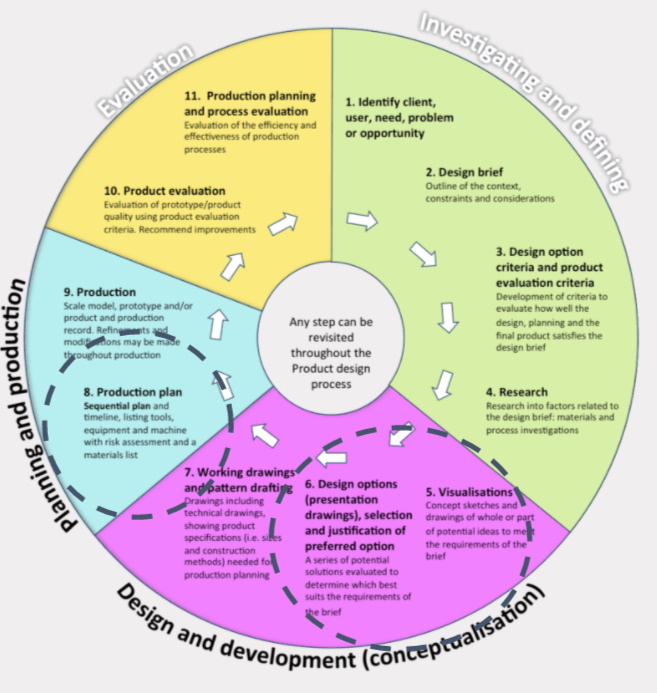
The next stage is to create ideas and a plan for your outcome.
To do this you need to choose one type of algorithm to create your idea for the Quiz Maker Project.
Recap: Pseudocode and Flowcharts
Remember that programmers use algorithms to help them to design and plan their programs.
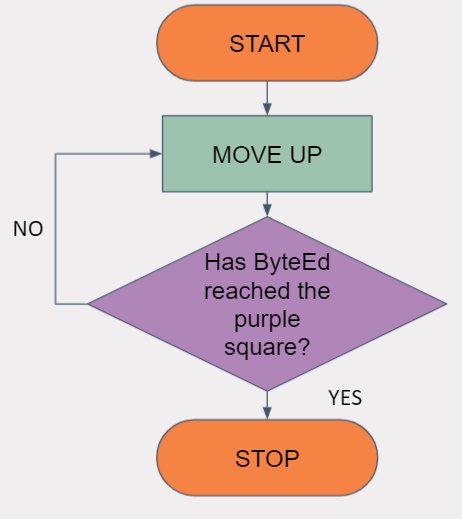
There are different types of algorithms - pseudocode (written instructions) and flowcharts…
Pseudocode
SEQUENCE
input: GET, READ
output: PRINT, MOVE, SHOW
compute: CALCULATE
initialise: SET
FOR
FOR: iteration sequence
ENDFOR
WHILE
WHILE: condition sequence
ENDWHILE
REPEAT - UNTIL
REPEAT: sequence
UNTIL: condition
IF-THEN-ELSE
IF condition THEN sequence 1
   ELSE sequence 2
ENDIF
Flowcharts
 Kua reri? - Ready? it's your turn... Create your algorithm for the Quiz project
Choose the type of algorithm this would work best for this project. Create an algorithm for your Quiz Maker project.
Think carefully about:
Decomposition
Breaking down your program into smaller bitesize sections
Remember, a useful skill if you’re struggling to create an algorithm or program is decomposition. This is process of breaking down a problem into smaller easier to digest chunks. A good way of breaking down a problem is to think about:
- What is the output required by the algorithm?
- What are all the inputs / variables that are required?
- How should the flow of the code work?
- Can any of this be looped on turned into it’s on method?
 Kua reri? - Ready? It's your turn... Starting your quiz project
Once you've created your algorithms or flowcharts, you can begin coding by clicking here. Alternatively, you can select the project from the list of lessons for this module.