
Lesson 1 - Introduction to 3D
Introduction to 3D
 Kōrero Mai: What is 3D ? Where did it come from ?
Before there was 3D... 2D had to exist first.
- 2D flat space is where everything is seen on one angle (unless redrawn)
- 3D dimensional space is where everything can be seen on any angle
- 3D is also known as CGI (Computer Generated Graphics)
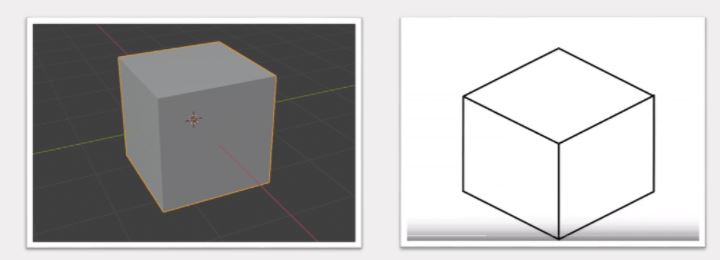
This is a cube… But in 3D it can also be referred to as…?
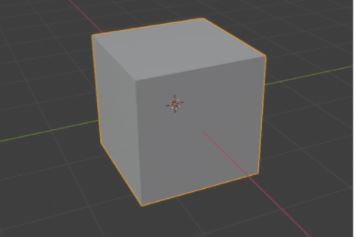
The term Model is commonly used for any objects, characters, environment and such.
Do you know what the other names could be?

Here are a few ways to name a 3D model...
Fact: Polygons generally means shapes like Triangles, Squares, Circles, but it can also also describe how detailed a 3D model is. More information about this in later lessons. Important: They all generally mean the same thing, however, they are used in different scenarios.
- Geometry - Is a common word for 3D models.
- Mesh - is another name specifically for a 3D model
- Polygons - can also be used to describe the 3D model.
Fact: Polygons generally means shapes like Triangles, Squares, Circles, but it can also also describe how detailed a 3D model is. More information about this in later lessons. Important: They all generally mean the same thing, however, they are used in different scenarios.
Kōrero Mai: What is 3D Where did it come from?
Early 3D models and how it looked like in 1972.
- Back then you had to hard code 3D models by typing in the coordinates and where everything was, they also had to do that with animations.
- They used a physical clay-like hand as a reference and calculated the positions on every surface of the hand.
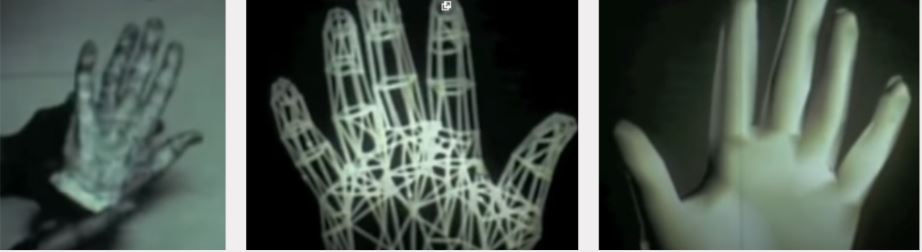
This is what the first “3D” looked like in live action.
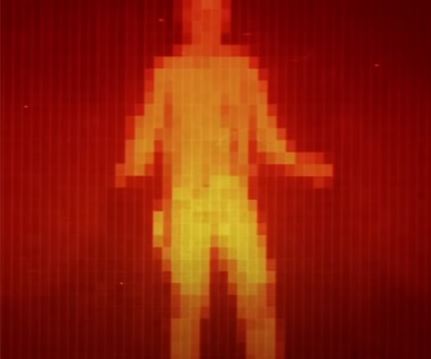
- 3D was first invented in 1950's but was first used in a movie "Westworld" 1973
- Nowadays it looks like pixel graphics.
- It looks like this because it was hard to make it blend with live action.
- The goal here was for the audience to see from the perspective of the robot.
This is what we could see as being 3D today.
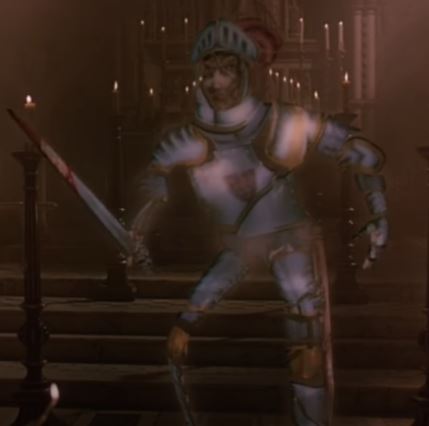
- First fully 3D character in a live action movie, "Young Sherlock Holmes" in 1985
- Took them 6 months to do a 10 second animation.
- This was groundbreaking technology in the 1980's!
Making 3D models was not easy…
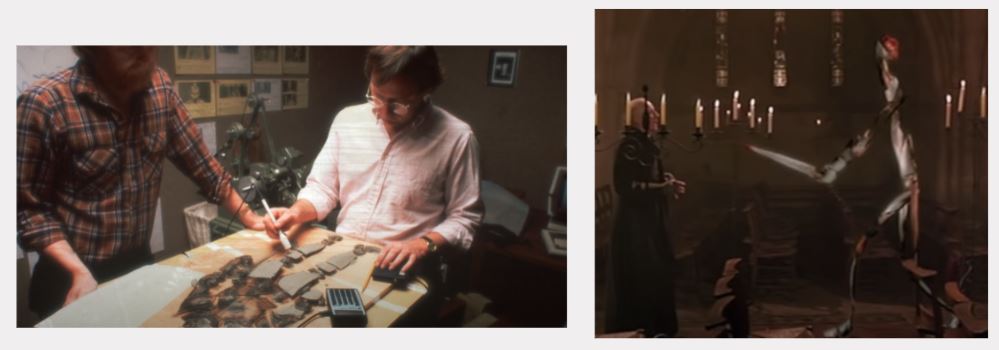
- They still used physical models as references.
- And had to calculate the maths on every movement with this character.
Kōrero Mai: 3D is used in most media.
Can you give some examples of where 3D can be used nowadays?
- ???
- ???
- ???

Here are some examples of what 3D modelling can be used for…
- Games
- Movies
- Architect
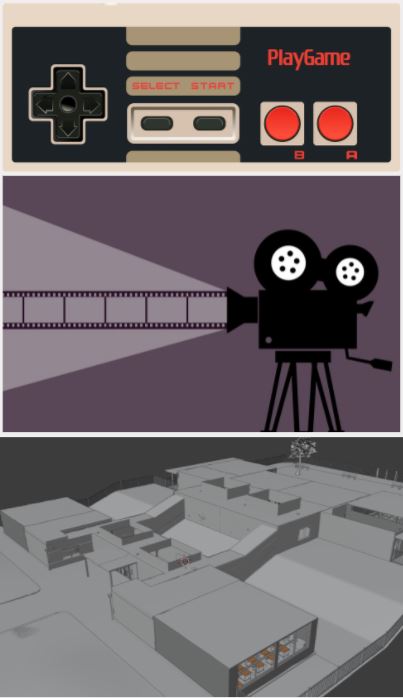
What gives it away that it’s in 3D? (In live-action movies)
- We see people everyday, which is why we are good at spotting if a realistic 3D human is fake.
- Usually it's with a 3D characters movement that we can tell if it's real or not. (What movements do you think it is?)
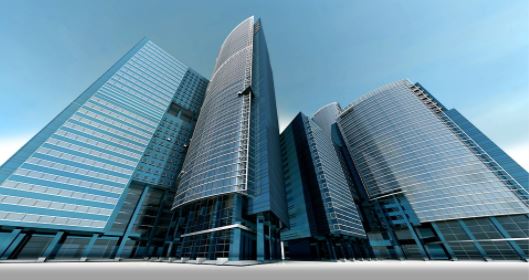
- Environments are usually the ones that are difficult to tell if it's in 3D or not, this is because buildings don't move so it's very easy to put extremely high quality textures.
Kōrero Mai: Real or Fake?
What do you think?


Kōrero Mai: 3D is used in most media - Why learn 3D
There are multiple possibilities and opportunities
- Game design, movie making and architecture are examples of jobs that use 3D modelling.
- You can be an animator to create animations for games or animate characters for the new Marvel movies!
- A modeller can not only create 3D for games, but also for movies!
- 3D has many different job opportunities and isn't just about modelling and animating, you can also be a lighting expert, texture artist, layout designer and many more!
 Kōrero Mai: Blender
3D programme
- What is Blender?
- Are there other programmes like it?
- What are the differences between them?
- Does it matter which programme you use?
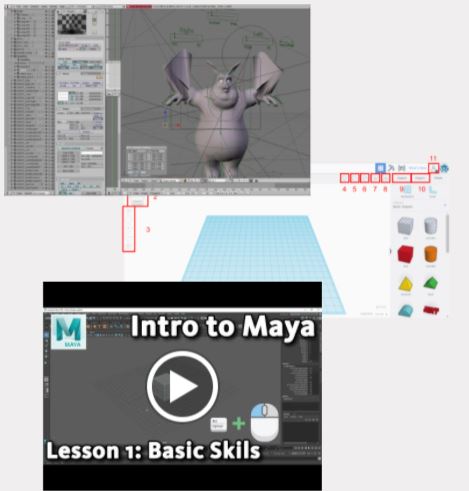
There is an extension task later on for you to test and trial different types of 3D modelling software...
What is Blender? Why is it a good piece of software?
- Blender is one of the best 3D programmes that you can find because it's free.
- Easy to get (don't even need to sign in to get it)
- It's becoming an industry standard programme for many games and movie companies.
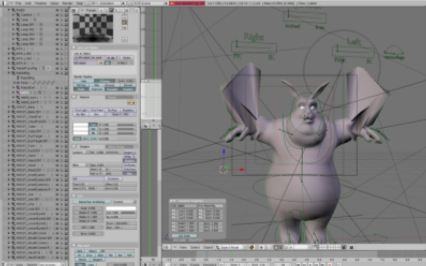
Kōrero Mai: Other 3D programmes
How many do you know?
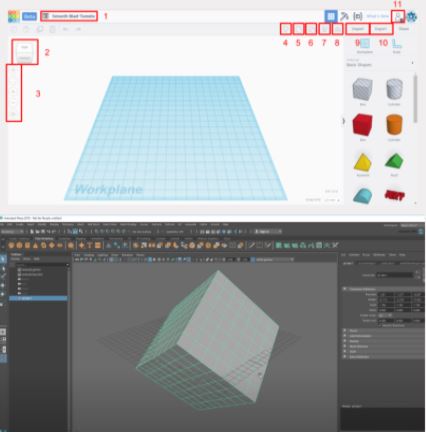
- A common programme that some secondary school uses for 3D is TinkerCAD.
- The 3D programme most commonly used in the industry and universities is Autodesk Maya.
- Do you know other 3D programmes?
Why use one over the other?
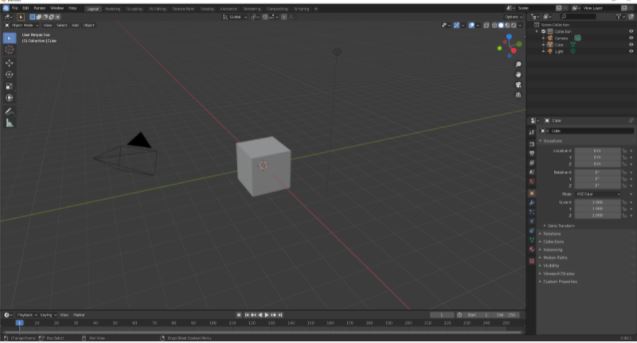
- Different programmes have different advantages for different tasks.
- TinkerCAD is mainly used for simple modeling creations.
- Blender and Maya are quite similar to each other but with one main difference, Blender is free while Maya costs money to use.
- Is Blender being free bad? No, it's a matter of preference
 Kua reri? - Time for Blender!
Follow the video at your own pace and if there's anything you don't understand, your teacher should have the answers in the presentation slides.
 VR VOOM - ao mariko