
Lesson 6 - Animation
3D Animating in Blender
 Kōrero Mai: What is Animation?
Animation is the illusion of movement created when a number of static (or still) images are played in quick succession. This 'appearance' of movement based upon multiple images is what differentiates animation from live action and other forms of visual communication.
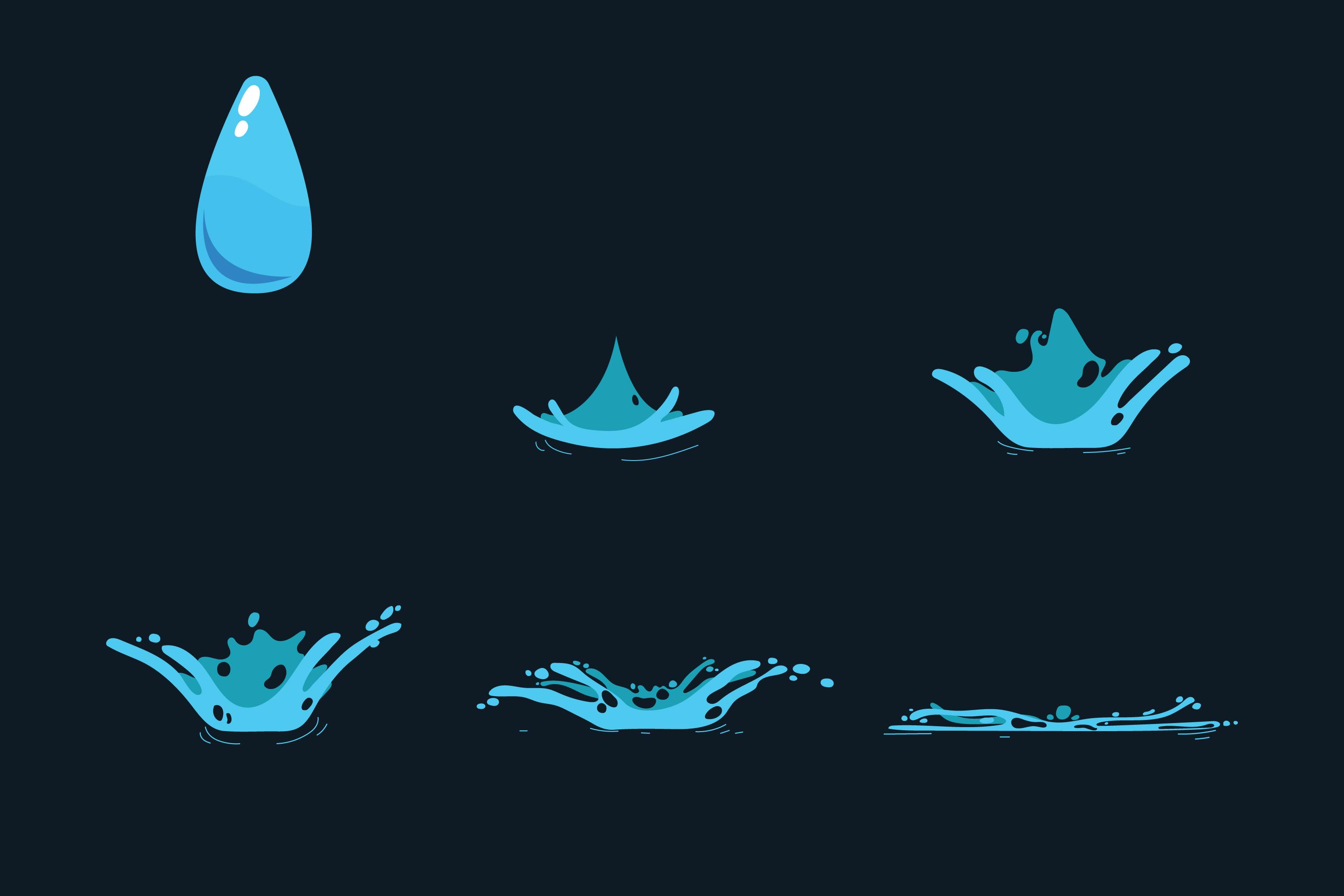
How has animation changed over time? Why did it change?

Discuss: How has animation changed over time?
Why do you think it has changed?
What types of animation can you see here?
 Kua reri? - Create flipbook animation
It's your turn to create an unplugged animation Think about how many 'stills' that you may need (you will need to make the flip book first and cut out the frames).
Student Task:
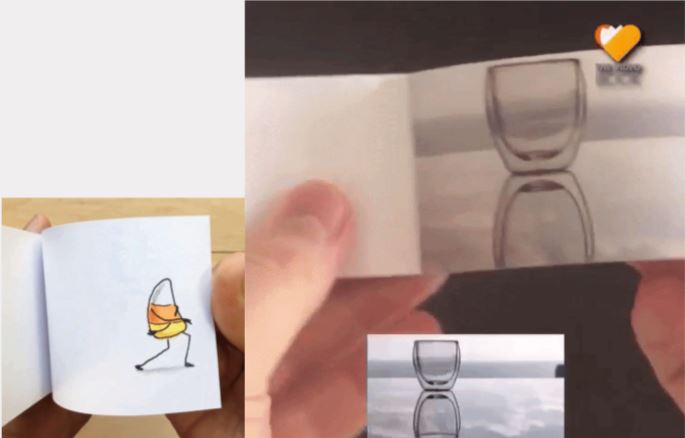
- Design a flipbook to demonstrate an emotion - happy, sad, angry, etc.
- Make as many frames as you can in 10 minutes.
- Share your flipbook - can the viewer guess the emotion?
2D animations
As you created your flipbook, you’ll notice how many times you had to redraw your character.

- That's how 2D animation has been done for a very long time.
- As a beginner it can be hard to keep your character look consistent.
- It takes a lot of time and practice to get it right.
3D Animation
3D however… Works a bit differently.
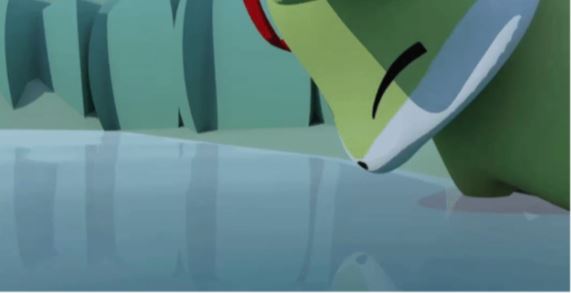
- You can animate the objects or the limbs of characters without having to redraw or recreate the model.
- 3D has a thing called ''Rig''
- A 3D rig allows us to move our characters by using controllers.
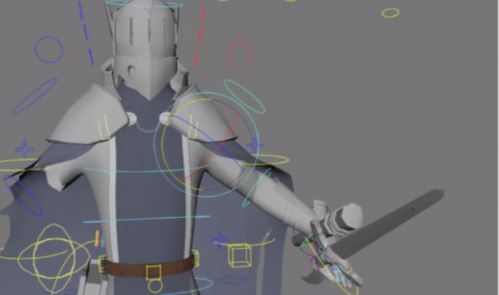
This is what a rig looks like.
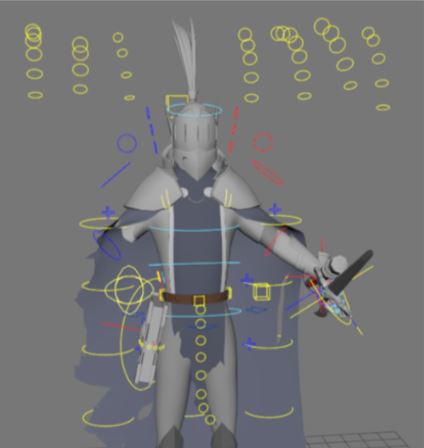
- When you see this for the first time it might look overwhelming.
- Each colourful circle, cube allows us to control this character.
- While this might look a lot, once you're experienced enough, you sometimes want more...
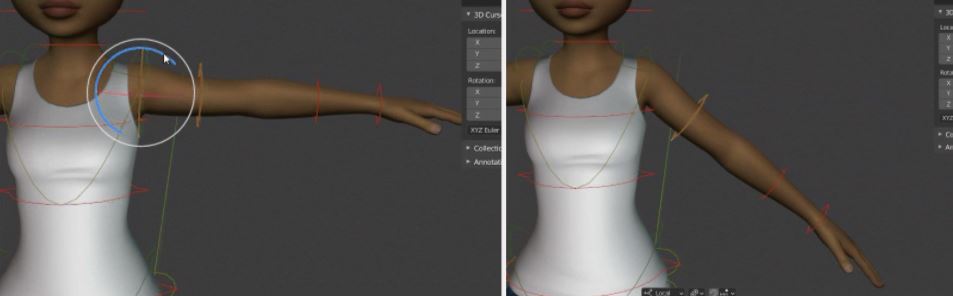
We can move each body part of a rig and the character will move!
When animating a 3D rig, Blender is doing most of the work for us to make things faster compared to 2D!
In 2D, you need to be a good drawer and have a good sense of perspective, while in 3D you can go in blind but still need a lot of practice to make it look good!
This is how the animation would look! Moving the arm the way we want it to animate and then Blender moves it for us!
Something like this is a bit too advanced and we won’t be dealing with anything like this for a while…
Imagine that to make the character feel alive you have to move every body part!
2D also have rigs and they are called ‘‘puppet rig’’
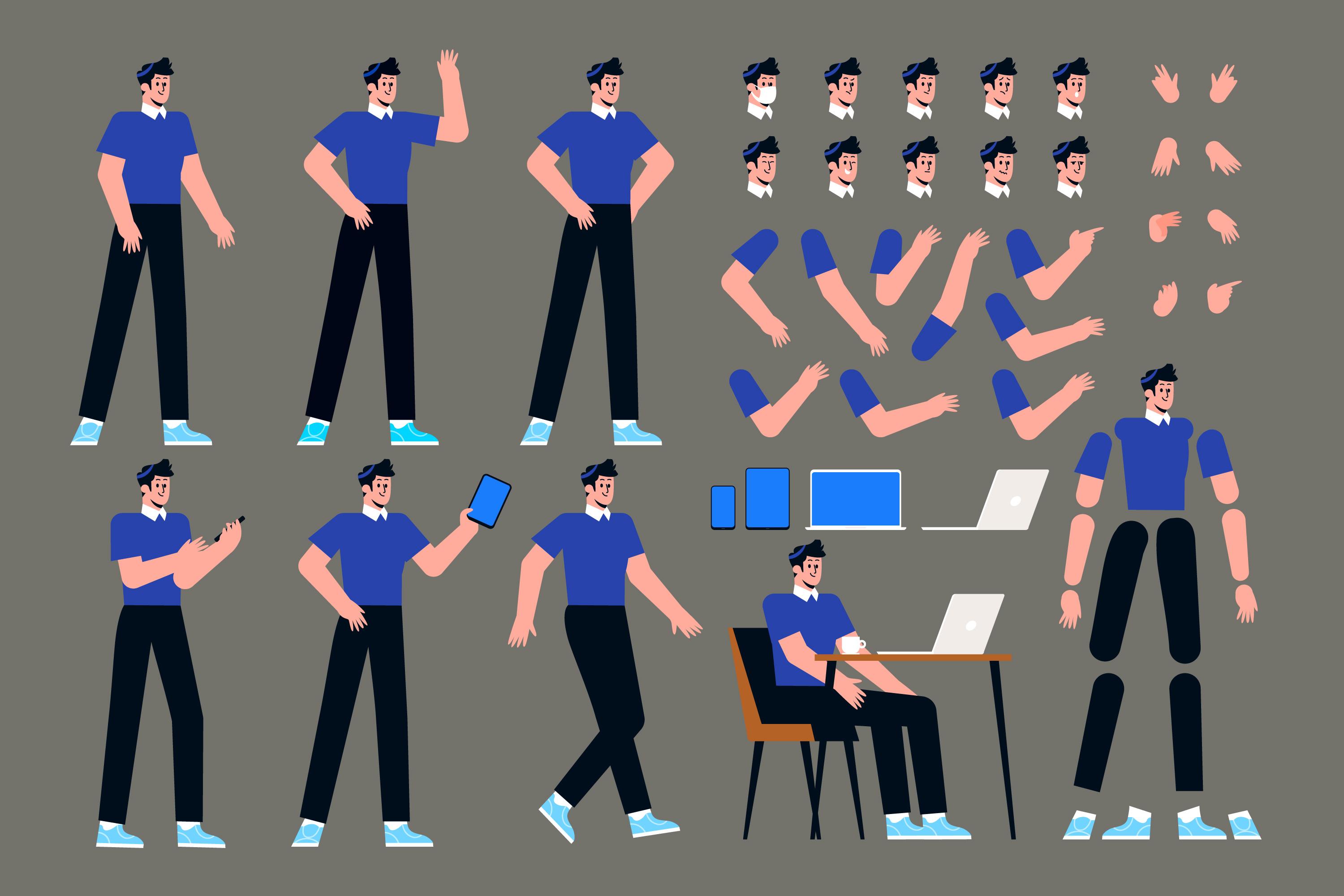
- They work a bit differently compared to 3D in a sense that you mostly can only see the character in one angle.
- This way you don't need to hand draw characters each time they move on screen.
- Family Guy and My Little Pony use puppet rigs for an example.
Animating in 2D or 3D is not the same, but they are not so different from each other.
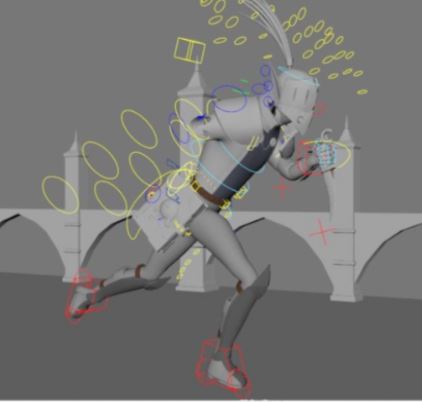
- Despite 3D having the luxury of letting the computer do a lot of the animations for us... We still have a lot of human input.
- 3D programmes aren't perfect and if you just let the computer do everything, it won't look as good as we want it to be.
Kōrero Mai: There are a few different types of 3D animation that are created in 3D.
Animation is the illusion of movement created when a number of static (or still) images are played in quick succession. This 'appearance' of movement based upon multiple images is what differentiates animation from live action and other forms of visual communication.
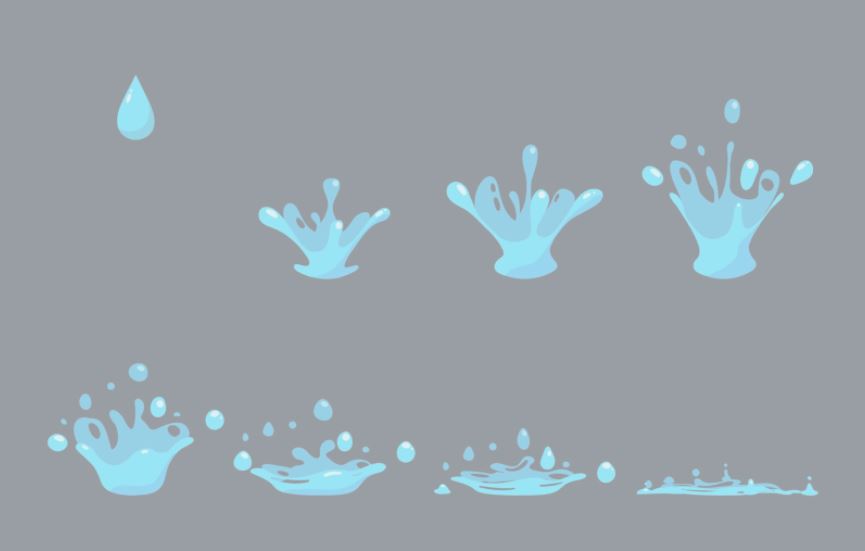
There are a few different types of 3D animation that are created in 3D.
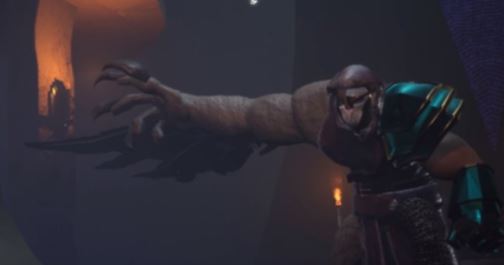
- Hand Keyed animations.
- Motion Capture.
- Simulations.
Do you know what these are?
Hand Keyed Animation
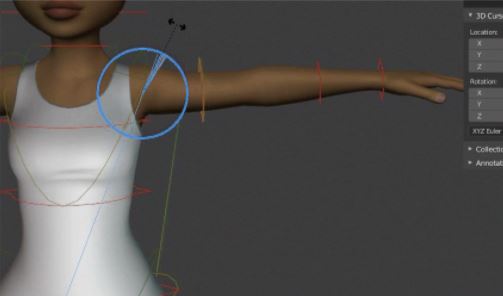
Hand Keyed animations is when someone is animating everything without using much help from references.
There is no help from the 3D programs like Simulations or even Motion Capture.
Doing as many human touches as possible, moving everything by yourself.
Motion Capture animations.
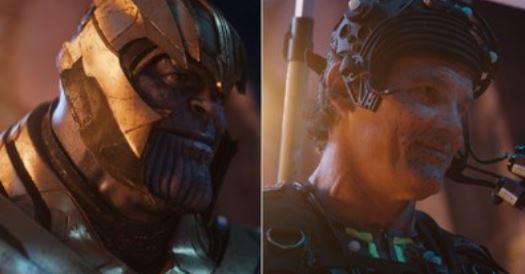
This is where a real person wears a motion capture suit and every movement the actor is doing, is being copied into the computer!
All of the main movements will already be animated.
Still need some human touches to fix and tweak, but it gives the most realistic movements for human characters.
Simulations.
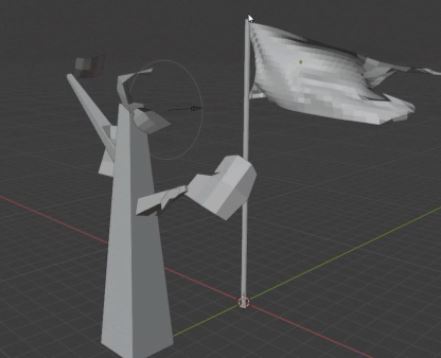
When using simulations in a 3D program you’re letting the computer do all of the work.
These are animations such as Wind, Water, Destruction, etc!
Impossible to animate this by hand in 3D… (Imagine having to animate every leaf on a tree… Timewise not ideal.)
Simulations are an interesting way to animate things, even though you’re letting the computer do all of the work, you can change and tweak it to your liking.
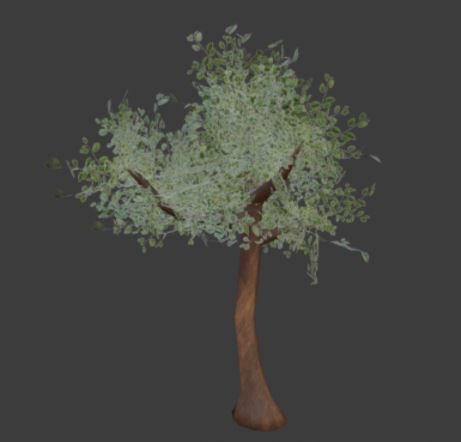
You can even simulate humans!
Imagine doing simulations in 2D…
Hand drawn simulations are much more simplified, but appealing if done right!
Kōrero Mai: Animations has rules
Yes, animations have rules that you follow in order to achieve great results! 3D, 2D, and Stop Motion or anything that is animation have these rules to make the animation look good. While they all use the same rules mostly, it's not always used the same way. That's why they are different types of styles in animation.
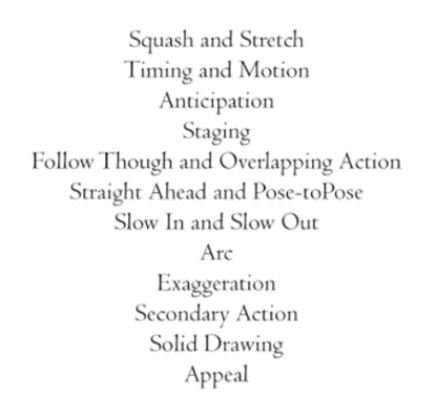
In our next lesson (Lesson 7), we will be looking at these rules in more depth…
Can you figure out what each animation rule may be?
Kua reri? - Time for Blender!
Follow the video at your own pace and if there's anything you don't understand, your teacher should have the answers in the presentation slides.