Lesson 20: Game design practice
 Kua reri? - Ready? it's your turn... Design your own VR game
Design your own Virtual Reality game! This game can be about anything - and you can design these in pairs or groups. In Module 2, you will be developing this further by creating the digital environment for a game! Start of by brainstorming:
- The characteristics of your game
- What is the theme of your game
- How will users interact with the game
Games as a expressive medium
A key plot point or theme to your game could be a message you would like to pass on to those playing. Gaming has been used for decades to express the ideas of developers and spread messages around the world.
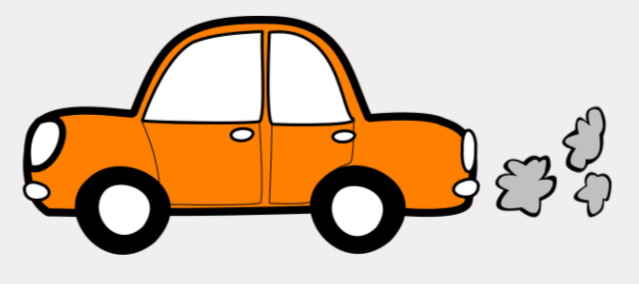
An example could be global warming. Your game doesn’t have to mention is specifically. A game about driving through rush hour traffic and avoiding exhaust fumes is all it takes!
Get Creative!
Using VR controls to your advantage
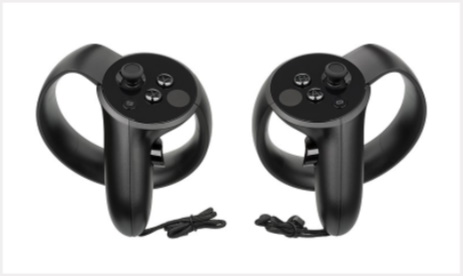
Think about how your game will be experienced. What kind of devices will your users be using? What kind of controllers will they have?
Creating intuitive input may seem easy, but when your game starts to get complicated, it can quickly become quite difficult!
Think back to Job simulator and how they solved a lot of their gameplay with only 1 button!
VR is 360! Use that where you can
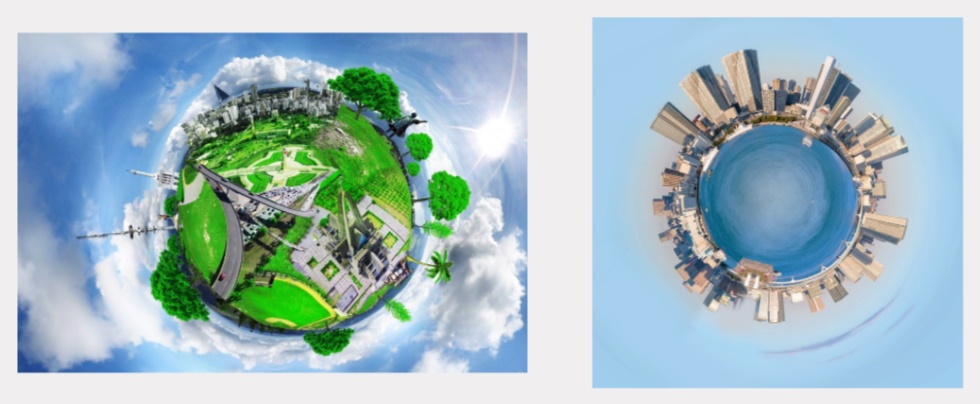
VR has the benefit of the user being able to look around in 360 degrees! This also means users will want to look everywhere. Think about how you can design and full out your 3D space!
 Reflect - huritau
 Kōrero Mai: Think... Discuss...
What have you learned over the Module 1 in:
- Digital Technologies?
- Computational thinking?
- C# programming?
- Virtual Reality?
- Technological Systems?
- Designing outcomes for authentic needs?